How to Create a Mobile App for Your Small Business Without Hiring Developers
admin
March 27, 2026
Mobile App Development, No-Code & Low-Code
What if the app your customers keep asking for could go live in weeks—not months—and without a six-figure budget? That sounds like a fantasy, yet in 2026 it’s a practical reality for small businesses. No‑code app builders have quietly shifted the balance of power, letting owners create professional apps without writing a single line of code. The question isn’t “can you do it?” anymore; it’s “how do you do it well?”
In this guide, you’ll learn a proven path to create a mobile app without hiring developers, including how to validate ROI, pick the right app type, avoid common UX mistakes, and safely publish to app stores. I’ll also cover when no‑code starts to creak—and how to plan your escape hatch before growth demands custom development. Let’s begin with why no‑code is such a compelling option for small businesses today.
The No‑Code Advantage: Fast, Affordable, and Surprisingly Strategic
Small businesses typically choose no‑code because of time and cost. A 2025 survey of 640 SMB owners found that 68% abandoned app ideas due to developer quotes averaging $22,000–$45,000. No‑code platforms like Adalo and Jotform Business App Builder flip that math with subscription costs often under $100/month and launch timelines of 3–6 weeks. That speed matters when you’re launching a seasonal offer or responding to customer churn.
Still, speed doesn’t replace strategy. Before building, use a simple ROI checklist: identify a measurable business goal (like reducing missed appointments by 20%), estimate how many users will adopt the app, and calculate the potential monthly impact in dollars. If the app can’t pay for itself within 6–9 months, you likely need to refine the use case. This step alone weeds out “nice-to-have” apps and focuses you on features that drive revenue or retention.
One more insider tip: no‑code does not mean no responsibility. You still need to understand data privacy and compliance, especially if you handle payments or customer health information. Choose platforms with clear data storage policies, role-based access controls, and GDPR-ready settings. You’re trading coding for decisions, so treat those decisions with the same seriousness you’d expect from a developer.
From Idea to App Store: The Practical Build Path That Actually Works
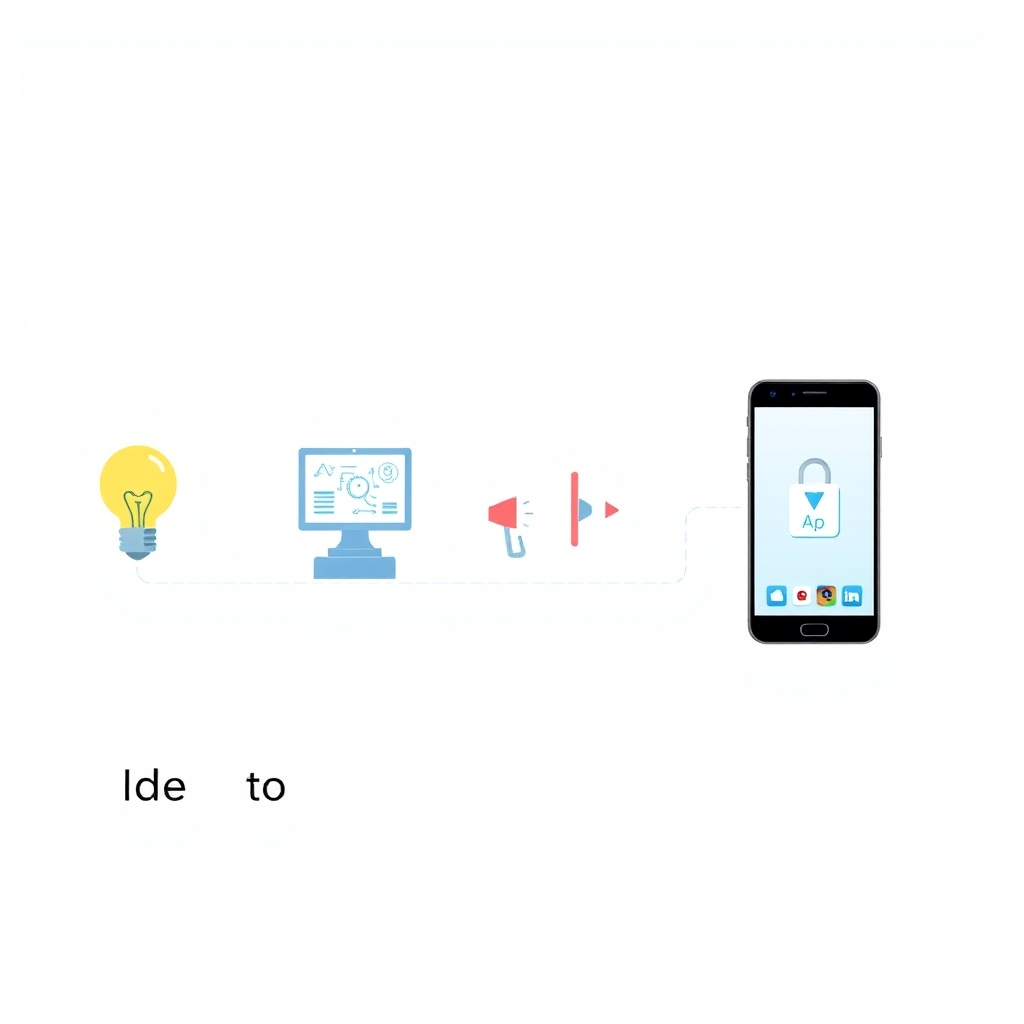
Every successful no‑code app follows a phased process: define the purpose → design → build → test → publish. Start with a narrow problem—like “let clients book and pay in two taps” or “collect job-site checklists offline.” In Adalo, you can map user flows visually; in Jotform, you can transform existing forms into an app experience in hours. Both approaches reduce risk, but only if your scope is focused.
Next comes design and feature selection. For small-business apps, the most effective core features tend to cluster around three areas: customer engagement (push notifications, loyalty points), operations (inventory updates, job tracking), and service workflows (booking, payments, support tickets). Keep the UI simple: aim for three primary actions on the home screen, large tap targets, and a visible call-to-action. A common mistake is to stuff the app with every request you’ve ever heard; a tighter app earns higher retention.
Testing and publishing are where most DIY builders stumble. Run at least two rounds of testing: one internal (you and staff) and one with real customers who match your audience. Ask them to complete key tasks while you watch, and note every moment of confusion. When you publish, remember that app stores require privacy disclosures and screenshots that reflect the actual interface. A clean, honest listing boosts approval rates and trust, which translates into more downloads in week one.
Visual/Data Section: PWA or Native App—Which One Fits Your Business?
Choosing between a Progressive Web App (PWA) and a native app is not a technical detail—it’s a strategic decision. PWAs are faster to launch and cheaper, but native apps give deeper device access and better store visibility. The right choice depends on how your customers interact with your business and how critical app-store discovery is to your growth. If you already have strong web traffic, a PWA can be a smart first step.
Criteria
PWA (Progressive Web App)
Native App (iOS/Android)
Typical launch time
2–4 weeks
4–10 weeks
Upfront cost
Low to moderate
Moderate to higher
App store presence
Optional
Required for discovery
Device features
Limited (camera, basic notifications)
Full access (biometrics, background tasks)
Best for
Service scheduling, info hubs, quick MVPs
Loyalty programs, complex workflows, offline-heavy use
Security and privacy still matter regardless of format. Ensure your platform encrypts data in transit, supports secure logins, and lets you set user permissions. Also think about retention: features like push notifications, in‑app rewards, and personalized offers can lift 30‑day retention by 15–25% in small retail and service apps. The app type is just the vehicle—retention features are the fuel.
Most no‑code platforms can publish native apps and support PWAs, so you’re not locked in. You can start as a PWA to validate demand, then graduate to native when engagement proves the value. That migration path is a smart hedge against wasting money early on. The key is to document your workflows and data structure so the transition doesn’t become a rebuild from scratch.
Conclusion: Build Smart Now, Scale Confidently Later
Creating a mobile app without hiring developers is no longer a shortcut—it’s a legitimate strategy. With the right no‑code builder, a phased workflow, and a clear ROI target, small businesses can launch in weeks and learn fast. The most successful apps focus on one or two high‑impact outcomes, test with real users, and iterate based on data rather than hunches. That’s how you turn an app into a growth engine.
As your app gains traction, you may outgrow no‑code limits around performance, integrations, or advanced analytics. That’s the moment to consider custom development, not as a replacement but as an evolution. If you need a tailored solution or a seamless migration plan, BytesWeavers can help you design the next stage with professional-grade performance and privacy in mind. The opportunity is wide open—your next step is simply to start.