
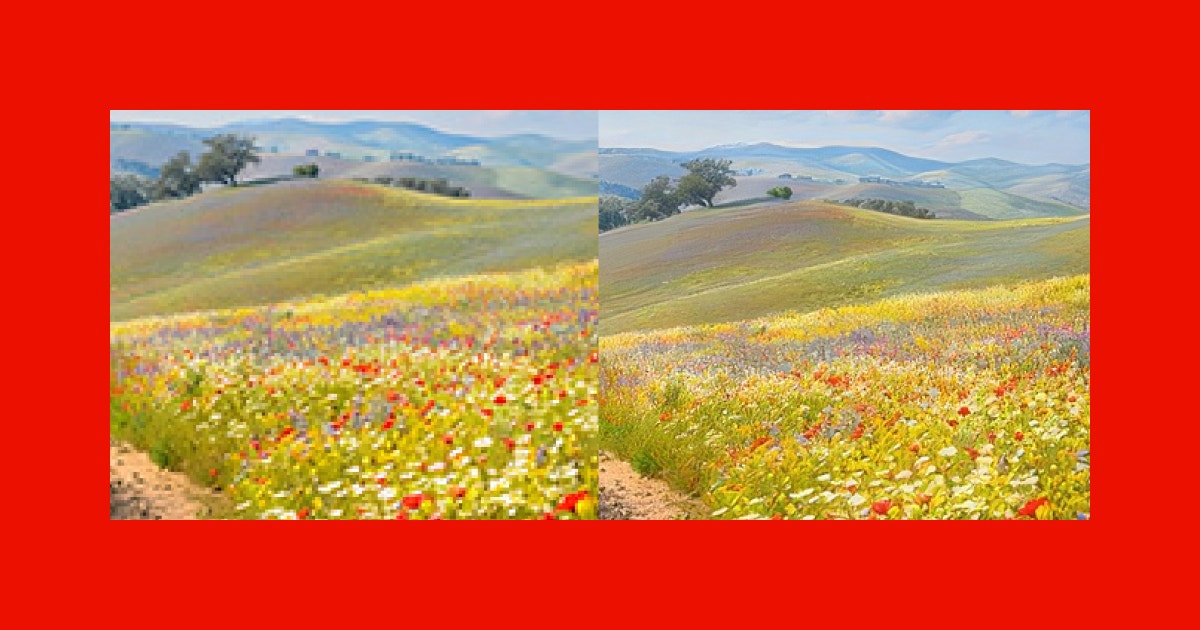
Ever opened your camera roll, found a photo you absolutely love, and then noticed it’s blurry?
Maybe it’s a picture from your best friend’s wedding. A childhood memory. Your pet doing something hilarious. Or that one perfect sunset you caught while rushing home.
The moment is priceless. The photo? Not so much.
Blurry photos are one of the most common frustrations smartphone users face today. Despite having cameras that boast 50MP, 108MP, or even 200MP sensors, we still end up with images that look soft, pixelated, or lacking in detail.
The good news? You don’t have to delete those memories anymore.
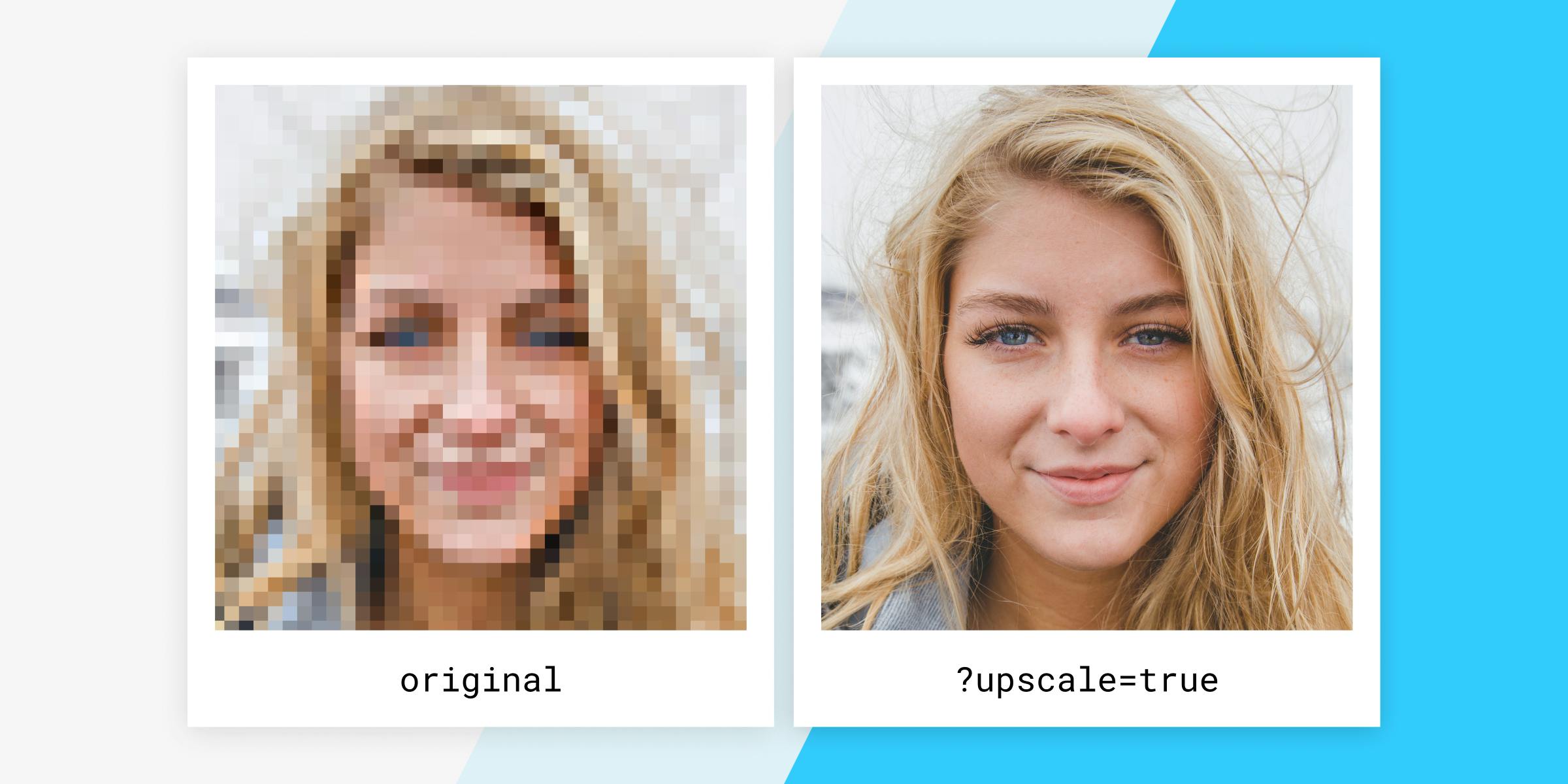
Thanks to AI image upscaling technology, blurry photos can now be restored and enhanced in just a few seconds.
Why Do Phone Photos Become Blurry?
Most people assume blurry images are caused by a bad camera. In reality, there are several reasons your photos lose quality.
1. Digital Zoom Is Secretly Ruining Your Photos
When you zoom in on your phone camera, you’re often not using optical zoom. Instead, your phone crops the image and stretches it.
The result?
Loss of detail, pixelation, and blurry edges.
2. Low Light Conditions
Night photos often look amazing on your phone screen but disappointing when viewed on a larger display.
That’s because low-light photography forces the camera to work harder, introducing noise and reducing sharpness.
3. Motion Blur
Ever tried taking a picture while walking, running, or inside a moving vehicle?
Even slight movement can create blur that makes a photo look unusable.
4. Social Media Compression
Instagram, WhatsApp, Facebook, and other platforms compress images to save storage and bandwidth.
The image you upload might look crystal clear, but after compression, important details can disappear.
5. Old Photos and Screenshots
Photos taken years ago often have lower resolutions than today’s standards.
Similarly, screenshots, downloaded images, and images forwarded multiple times tend to lose quality with every generation.
The Traditional Solution Didn’t Really Work
For years, photo editing software tried to sharpen blurry images using basic filters.
The problem?
Sharpening tools often make photos look artificial. Instead of recovering details, they simply increase contrast around edges.
This creates strange halos, grainy textures, and unnatural results.
In other words, traditional editing can only do so much.
How AI Image Upscaling Actually Works
This is where artificial intelligence changes everything.
Modern AI image upscalers don’t simply stretch an image. They analyze patterns, textures, edges, facial features, and objects to intelligently reconstruct missing details.
Think of it like this:
Instead of guessing randomly, AI learns what eyes, hair, skin, buildings, animals, and landscapes should look like.
It then recreates lost details to produce a sharper, cleaner version of the image.
The result feels less like editing and more like restoring.
Meet Bytesweavers AI Image Upscaler
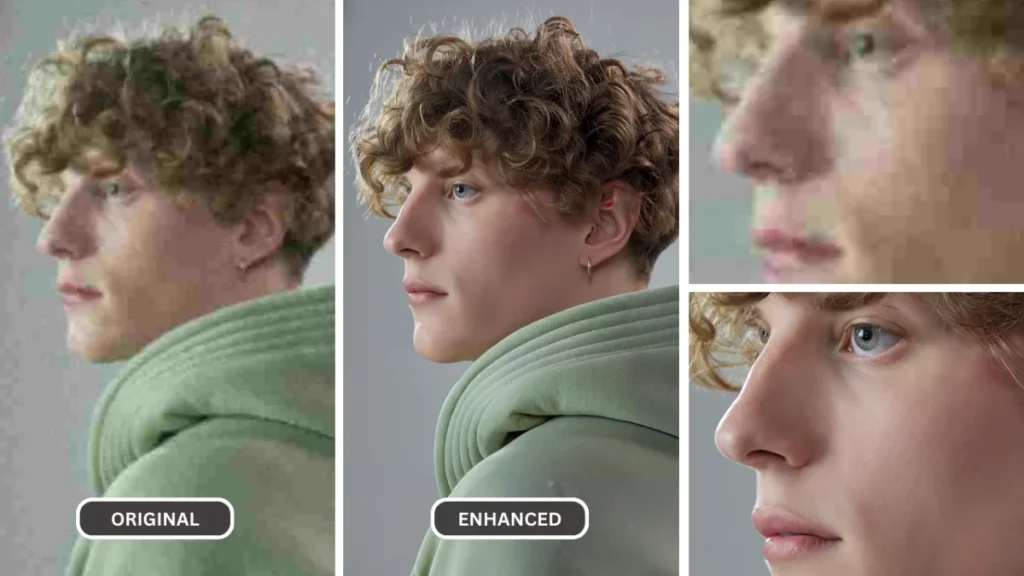
If you’re looking for a simple way to improve blurry photos, the Bytesweavers AI Image Upscaler is designed exactly for that purpose.
Whether you’re restoring old memories, improving screenshots, enhancing social media content, or fixing compressed images, the tool uses AI to produce sharper and more detailed results within seconds.
What Makes It Different?
- AI-powered image enhancement
- Fast processing
- Beginner-friendly interface
- Restores old and low-resolution photos
- Improves social media images
- Enhances screenshots and downloaded images
Most importantly, you don’t need professional editing skills.
Just upload your image, let the AI work, and save the enhanced result.
Need Privacy? Try the Offline Version
One of the biggest concerns people have when using AI tools is privacy.
After all, not every image belongs on a cloud server.
That’s why Bytesweavers also offers an AI Offline Image Upscaler.
The offline version allows you to enhance photos directly on your device without uploading them anywhere.
This makes it ideal for:
- Personal photos
- Family albums
- Sensitive documents
- Professional projects
- Privacy-conscious users
Your images stay with you.
No internet required.
No cloud uploads.
No compromises.
Real-Life Situations Where AI Upscaling Helps
Restoring Childhood Memories
Old family photos often exist only in low resolutions.
AI upscaling can breathe new life into those memories and make them look surprisingly modern.
Content Creation
Creators constantly work with screenshots, downloaded assets, and user-generated content.
Upscaling helps maintain a professional look across platforms.
E-commerce
Product photos can make or break a sale.
Sharper images create stronger first impressions and improve customer trust.
Social Media
High-quality visuals attract more attention, engagement, and shares.
A sharper image can be the difference between getting noticed and being ignored.
Is AI Upscaling Perfect?
Not always.
AI cannot magically recreate details that never existed.
However, modern AI tools can dramatically improve image quality and recover details that traditional editing methods struggle to restore.
For most users, the improvement is often significant enough to transform a photo from “almost unusable” to “worth sharing.”
Final Thoughts
We live in a world where our phones capture thousands of memories every year.
Unfortunately, not all of them turn out perfectly.
Blurry photos, pixelation, compression, and low resolution are common problems—but they no longer have to be permanent ones.
Whether you’re restoring old family pictures, upgrading social media content, or simply trying to save a great photo that didn’t come out right, AI image upscaling offers a practical solution.
And if you’re looking for an easy, privacy-friendly option, the Bytesweavers AI Image Upscaler and AI Offline Image Upscaler provide a fast way to bring your photos back to life.
Because sometimes the memory deserves a second chance—even if the photo didn’t come out perfectly the first time!
Check out our AI image upscaler for the best results!
