

Have you ever taken the perfect photo only to realize the background completely ruins it?
Maybe it’s a product photo with a cluttered room behind it. A profile picture with strangers in the frame or a social media post that would look much cleaner without all the distractions.
For years, removing a background meant opening Photoshop, watching tutorials, creating masks, and spending far more time than most people wanted to. Today, that’s no longer the case.
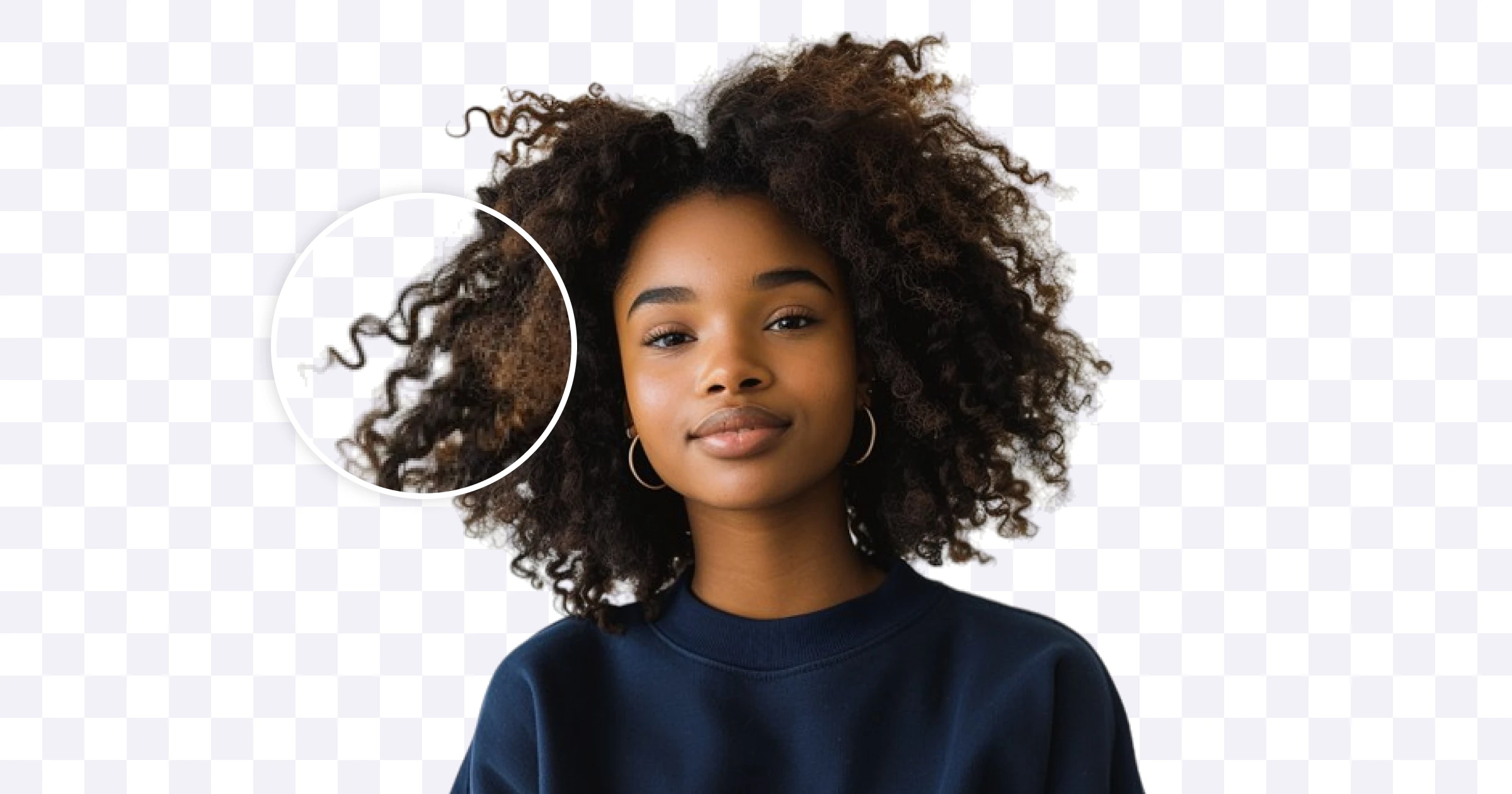
Why People Remove Backgrounds From Images
Background removal isn’t just for professional designers anymore.
Whether you’re a student, content creator, freelancer, business owner, or online seller, clean images help your content stand out.
Some common reasons people remove backgrounds include:
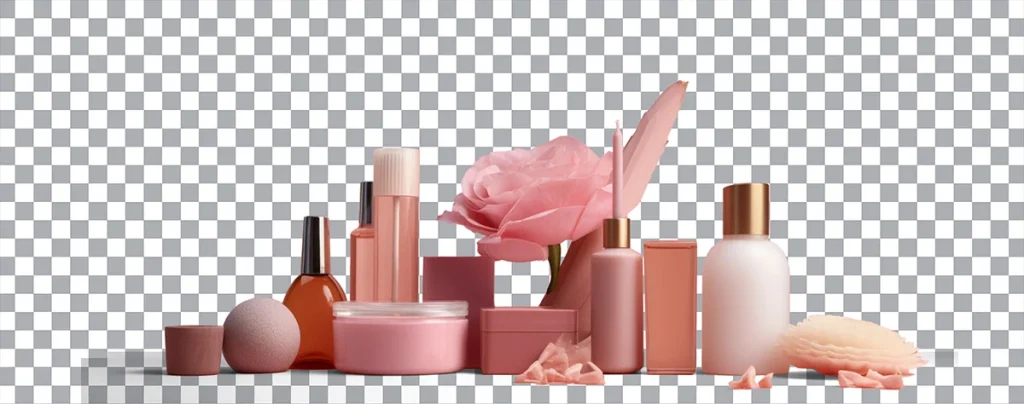
Creating professional product photos
Designing social media content
Making YouTube thumbnails
Creating profile pictures
Building presentations
Designing marketing materials
Creating e-commerce listings
A clean image instantly looks more professional and draws attention to the subject instead of the distractions around it.
The Problem With Traditional Background Removal
If you’ve ever tried removing a background manually, you know how frustrating it can be.
Traditional editing often requires:
- Learning Photoshop
- Using selection tools
- Creating masks
- Zooming in pixel by pixel
- Fixing rough edges around hair and objects
Even after spending time editing, the results aren’t always perfect.
For beginners, the process can feel overwhelming.
For professionals, it’s simply time consuming.

How AI Background Removal Works
Modern AI background remover tools use machine learning to identify the main subject of an image automatically.
Instead of manually selecting every edge, the AI detects:
- People
- Objects
- Products
- Animals
- Clothing
- Hair details
It then separates the subject from the background in seconds.
The result is a clean cutout that would traditionally take several minutes or even hours to create manually
.
Why AI Background Removers Are Becoming So Popular
The biggest reason is simple:
They save time.
What once required professional editing skills can now be done with a single click.
Benefits of AI background removal include:
Faster Workflow
No learning curve.
Upload your image and let AI do the work.
Better Social Media Content
Clean images naturally look more polished and professional.
Whether you’re posting on Instagram, LinkedIn, Pinterest, or Facebook, background-free images often perform better because they focus attention on the subject.
Perfect for Online Sellers
For e-commerce businesses, product presentation matters.
Removing distracting backgrounds helps products look cleaner and more trustworthy.
Consistent Branding
Businesses can create uniform visuals across websites, advertisements, and social media platforms.

Meet the Bytesweavers AI Background Remover
If you’re looking for a quick and reliable way to remove image backgrounds, the Bytesweavers AI Background Remover makes the process incredibly simple.
Instead of spending time with complicated editing software, you can:
- Remove backgrounds automatically
- Create transparent PNG images
- Improve product photos
- Prepare social media graphics
- Create marketing materials faster
The goal is simple: achieve professional-looking results without the complexity of traditional editing tools.
Why an Offline AI Background Remover Matters
One concern many users have when editing images online is privacy.
Not every image should be uploaded to a cloud server.
Personal photos, business documents, client projects, and sensitive content often require more control.
That’s why the Bytesweavers AI Offline Background Remover offers a unique advantage.
Because the processing happens locally on your device:
- Your images stay private
- No internet connection is required
- No cloud uploads are necessary
- You maintain complete control over your files
For privacy-conscious users, this can be a significant benefit.
Who Can Benefit From AI Background Removal?
Content Creators
Create cleaner posts, thumbnails, and promotional graphics.
Small Businesses
Produce professional marketing materials without hiring designers.
E-commerce Sellers
Improve product listings and attract more customers.
Students
Create polished presentations and projects.
Freelancers
Deliver higher-quality visual content in less time.
AI vs Photoshop: Which Is Better?
Photoshop remains one of the most powerful image editing tools available.
However, not everyone needs advanced editing capabilities.
If your primary goal is simply to remove a background from an image, AI tools are often faster, easier, and more accessible.
For many users, the question isn’t whether AI replaces Photoshop.
It’s whether they need Photoshop at all.
And for basic background removal, the answer is often no.
Final Thoughts
Clean visuals matter more than ever.
Whether you’re creating social media content, building an online store, designing marketing materials, or simply improving personal photos, removing distracting backgrounds can instantly improve the quality of your images.
The best part?
You no longer need professional editing skills to achieve professional-looking results.
With tools like the Bytesweavers AI Background Remover and AI Offline Background Remover, background removal becomes faster, easier, and more accessible than ever before.
Because great images shouldn’t require complicated software : they should simply work!
