
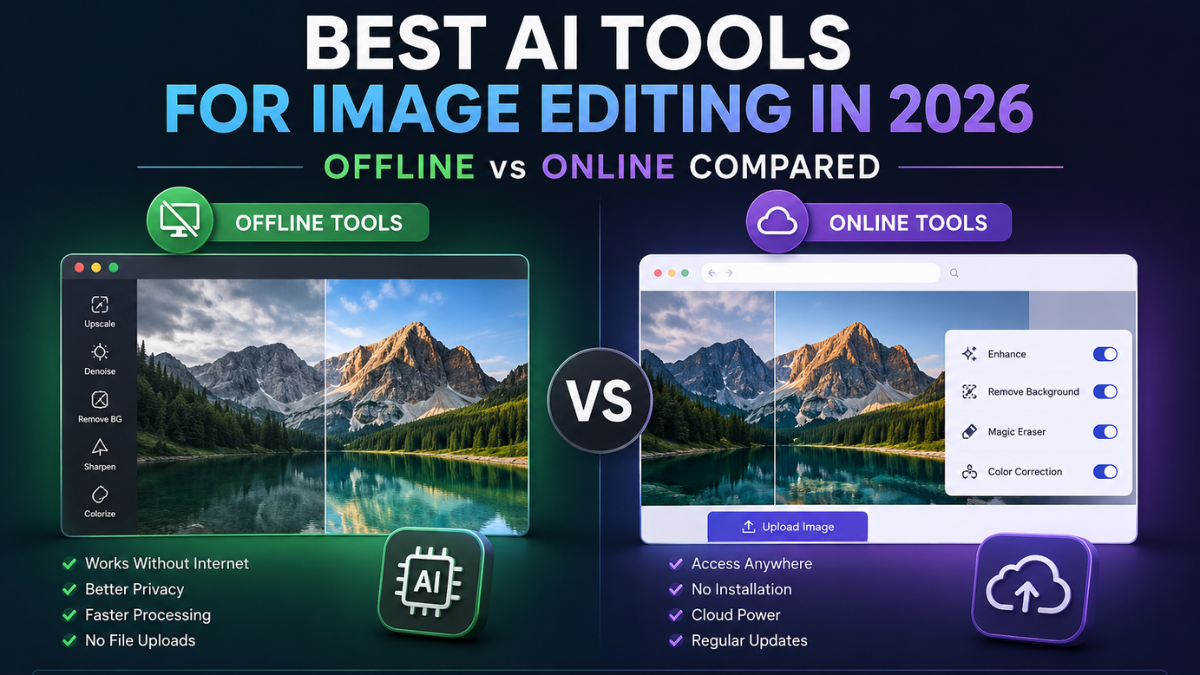
Whether you’re a professional photographer, social media creator, or casual editor, AI-powered image editing tools have completely transformed what’s possible — in minutes, not hours. But with dozens of options available, how do you choose? And more importantly: should you go online or offline?
This guide covers the 5 best AI tools for image editing in 2026, split across online and offline options, to help you find the right fit for your workflow and budget.
Why AI Image Editing Tools Matter in 2026
AI image editing has reached new heights in 2026. Adobe Firefly’s Image Model 5 brings layered editing, Luminar Neo introduced Light Depth for 3D lighting control, and AI editors now handle complex multi-element transformations that were impossible just a year ago. Whether you need background removal, generative fill, portrait retouching, or full image generation — there’s an AI tool built for it.
The big question most users face isn’t whether to use AI editing tools, but which kind: cloud-based (online) or locally installed (offline)?
Online vs Offline: Key Differences
| Feature | Online | Offline |
|---|---|---|
| Privacy | Data uploaded to servers | Stays on your device |
| Internet | Required | Not needed after setup |
| Cost | Subscription-based | One-time or free |
| Updates | Continuous | Quarterly or manual |
| Best For | Creators, marketers | Photographers, privacy-focused users |
Best Online AI Image Editing Tools
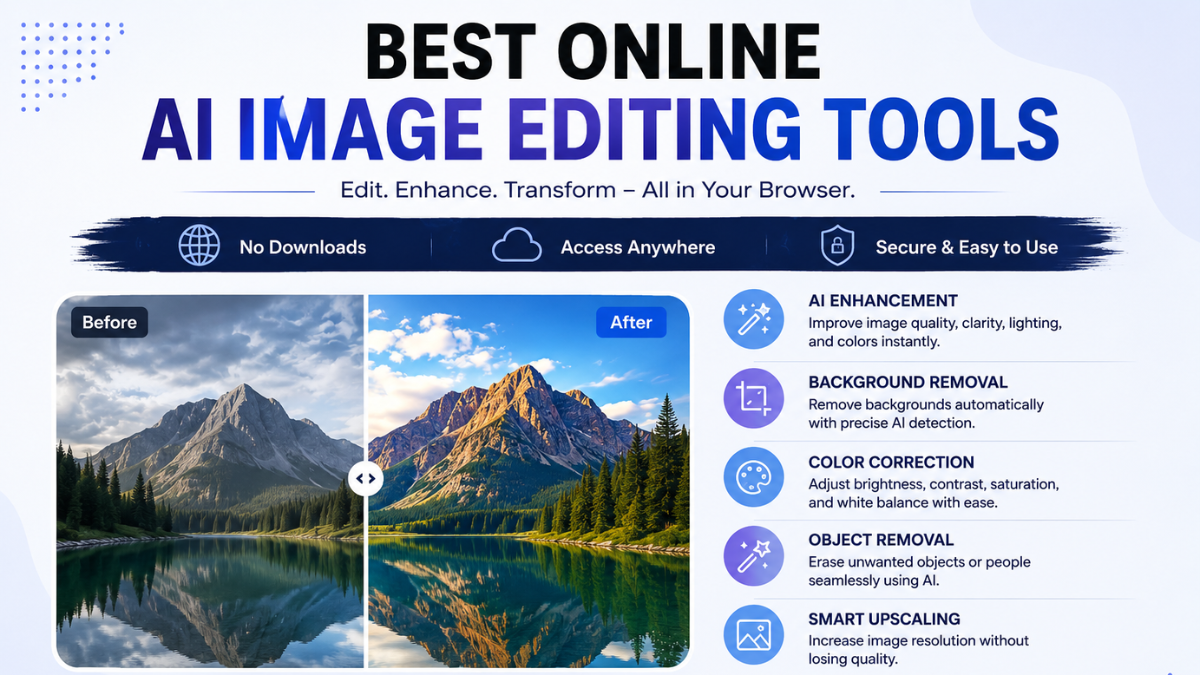
1. Adobe Firefly — Best for Professional Creative Work
Adobe Firefly remains the gold standard for commercial AI image editing. It’s trained exclusively on Adobe Stock licensed content, providing clear commercial usage rights and IP indemnification, and its Generative Fill integration in Photoshop allows pixel-level control over AI-generated content within existing professional workflows.
Key Features:
- Generative Fill and Remove Tool for seamless object editing
- Content Credentials metadata for AI transparency
- Full RAW file support via Lightroom integration
- Layered editing with Image Model 5
Best For: Professional designers, photographers, and agencies needing commercially safe output. Pricing: From ~$19.99/month
2. Canva Magic Studio — Best for Social Media & Marketing
Canva’s ability to create templates from a prompt makes it incredibly powerful for creators, and Magic Studio takes it further — background removal in one click, AI-generated variations of marketing visuals, and a collaborative workspace built for teams.
Key Features:
- Prompt-based template and image generation
- One-click background removal
- Team collaboration tools
- Editing chatbot for iterative changes
Best For: Marketers, social media creators, small business owners. Pricing: Free plan available; Pro from ~$15/month
3. ChatGPT Image Editor — Best for Prompt-Based Editing
OpenAI’s image editing tool has matured into a genuinely accessible option. It allows users to modify objects within an image, re-style images, and remove backgrounds with a single prompt, producing high-fidelity and contextually coherent results — with iterative refinements possible within the same chat.
Key Features:
- Natural language inpainting and object replacement
- Text rendering and removal within images
- No design skills required
Best For: Beginners and non-designers who want a conversational editing experience. Pricing: Included in ChatGPT Plus (~$20/month)
Best Offline AI Image Editing Tools
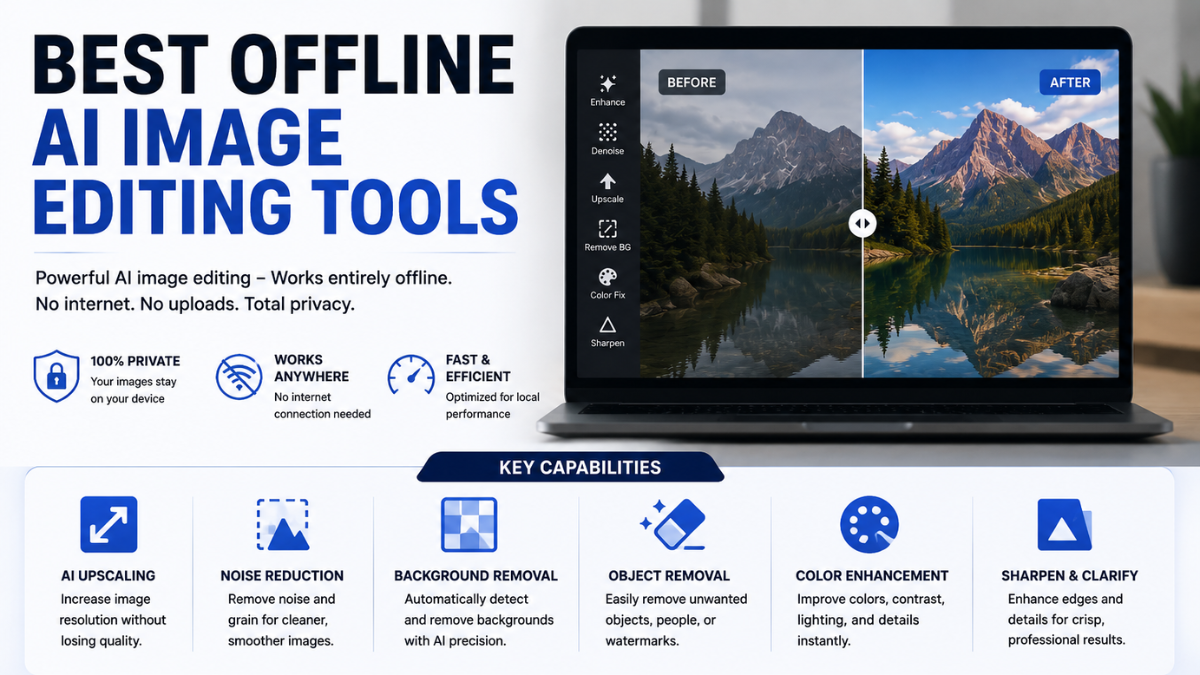
1. AI Image Editing Tool Pro — Best Free Windows App for Private Editing
If you’re on Windows and want powerful AI image editing without paying a subscription or uploading a single file to the cloud, AI Image Editing Tool Pro is a standout choice. Powered entirely by your local GPU or CPU, this app brings advanced neural network pipelines directly to your desktop — no cloud processing queues, no monthly fees, and absolute privacy for your files.
You can describe edits in plain language — swap a shirt for a leather jacket, turn a daytime street into a cyberpunk night scene — and the app handles it locally using open-source AI models.
Key Features:
- Prompt-driven photo manipulation using natural language instructions
- Precise masked inpainting with a built-in Mask Editor to replace, remove, or reconstruct specific regions
- Powered by FLUX.2 Klein 4B, SDXL Inpaint, SDXL Turbo, and Stable Diffusion InstructPix2Pix
- Bulk queue processing to apply the same edits across multiple images in one batch
- Saved workflow presets for reusing favorite model, prompt, and parameter combinations
- Your images, masks, and prompts never leave your device
Best For: Windows users who want privacy-first, subscription-free AI editing with professional-grade control. Pricing: Free (Microsoft Store)
2. Krita + ComfyUI — Best Free Offline AI Stack
Krita combined with ComfyUI is the best free offline AI image editor — open-source, requiring no internet, and supporting AI inpainting, upscaling, face restoration, and Stable Diffusion-based image generation, all without a subscription. It runs on Windows, macOS, and Linux.
Key Features:
- Fully free and open-source
- Local Stable Diffusion (SDXL, FLUX, Qwen Image)
- AI inpainting, upscaling, face restoration
- Infinite canvas for large-scale artwork
- All models commercially safe
Best For: Artists, developers, and privacy-conscious power users. Pricing: Free
3. Luminar Neo — Best Desktop Editor for Photographers
Luminar Neo excels at the specific AI tasks photographers need — sky swap, portrait retouch, noise reduction — and its AI tools are calibrated for photographic realism, not creative generation. In 2026, it added Light Depth for 3D lighting control, letting you simulate realistic depth-of-field after the shot.
Key Features:
- Portrait Bokeh AI and sky replacement
- Powerline Removal for landscape cleanup
- Non-destructive RAW file editing
- Light Depth AI (2026 update)
Best For: Hobbyist and semi-professional photographers. Pricing: ~$99 one-time payment
| Your Need | Best Tool | Type |
|---|---|---|
| Commercial design work | Adobe Firefly | Online |
| Social media content | Canva Magic Studio | Online |
| Prompt-based editing | ChatGPT Image Editor | Online |
| Free, private Windows editing | AI Image Editing Tool Pro | Offline |
| Free, private, full-control | Krita + ComfyUI | Offline |
| Photography & RAW editing | Luminar Neo | Offline |
Which Should You Choose?
Go online if you need fast results without technical setup, work across multiple devices, or create content for social media and marketing.
Go offline if privacy is a priority, you need to work without internet, or you want a one-time purchase instead of ongoing subscriptions.
Final Thoughts
There’s no single best AI image editor — it depends on how you work.
Adobe Firefly leads for commercial-safe professional output.
Canva Magic Studio wins on speed for creators.
ChatGPT Image Editor is the easiest entry point for beginners.
On the offline side, Luminar Neo is the go-to for photographers, while Krita + ComfyUI offers unmatched power and privacy for free.
The gap between online and offline tools is narrowing fast — but your choice ultimately comes down to privacy, budget, and workflow.
Online: Canva’s free tier. Offline: Krita + ComfyUI — the most powerful free stack available.
Yes. Luminar Neo and Krita + ComfyUI both work fully offline after installation.
Adobe Firefly — trained on licensed content with IP indemnification included.
Canva Magic Studio and ChatGPT Image Editor, both requiring zero design skills.
