Piper vs Kokoro TTS: Which Local Voice Model Should You Use?
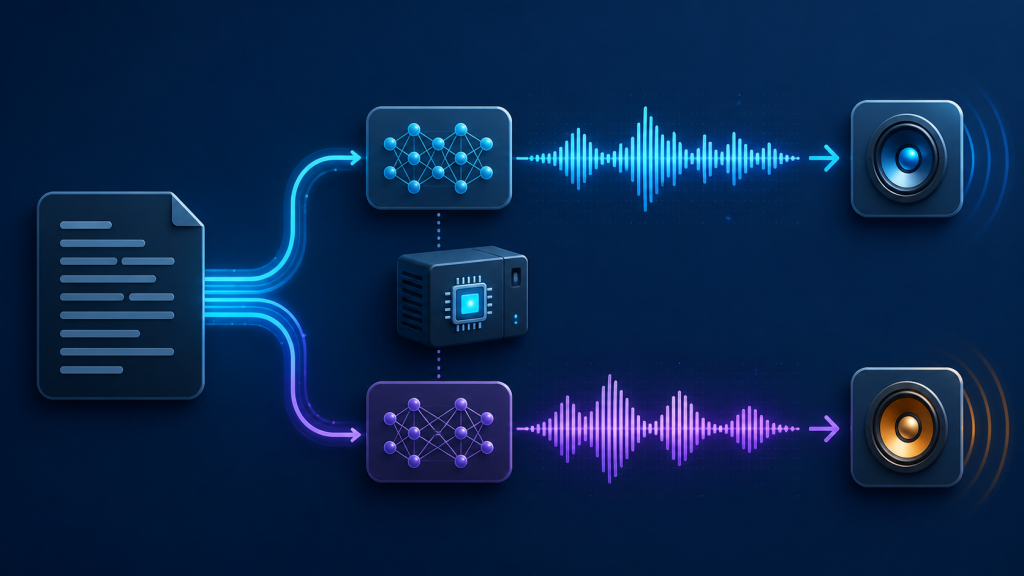
If you want text to speech that works without sending text to a cloud service, Piper and Kokoro are two sensible places to start. They are both local options, but they suit slightly different priorities. Piper is usually the practical choice when speed, small deployments, and CPU-friendly batch work matter most. Kokoro is often the better starting point when you want a more expressive voice and are willing to test the model, runtime, and hardware together.
There is no universal winner. A voice model can sound excellent in one language and ordinary in another. A fast model can still feel slow if its first load is expensive. The useful comparison is the one you make on your own machine, with the kind of script you actually produce.
Quick comparison
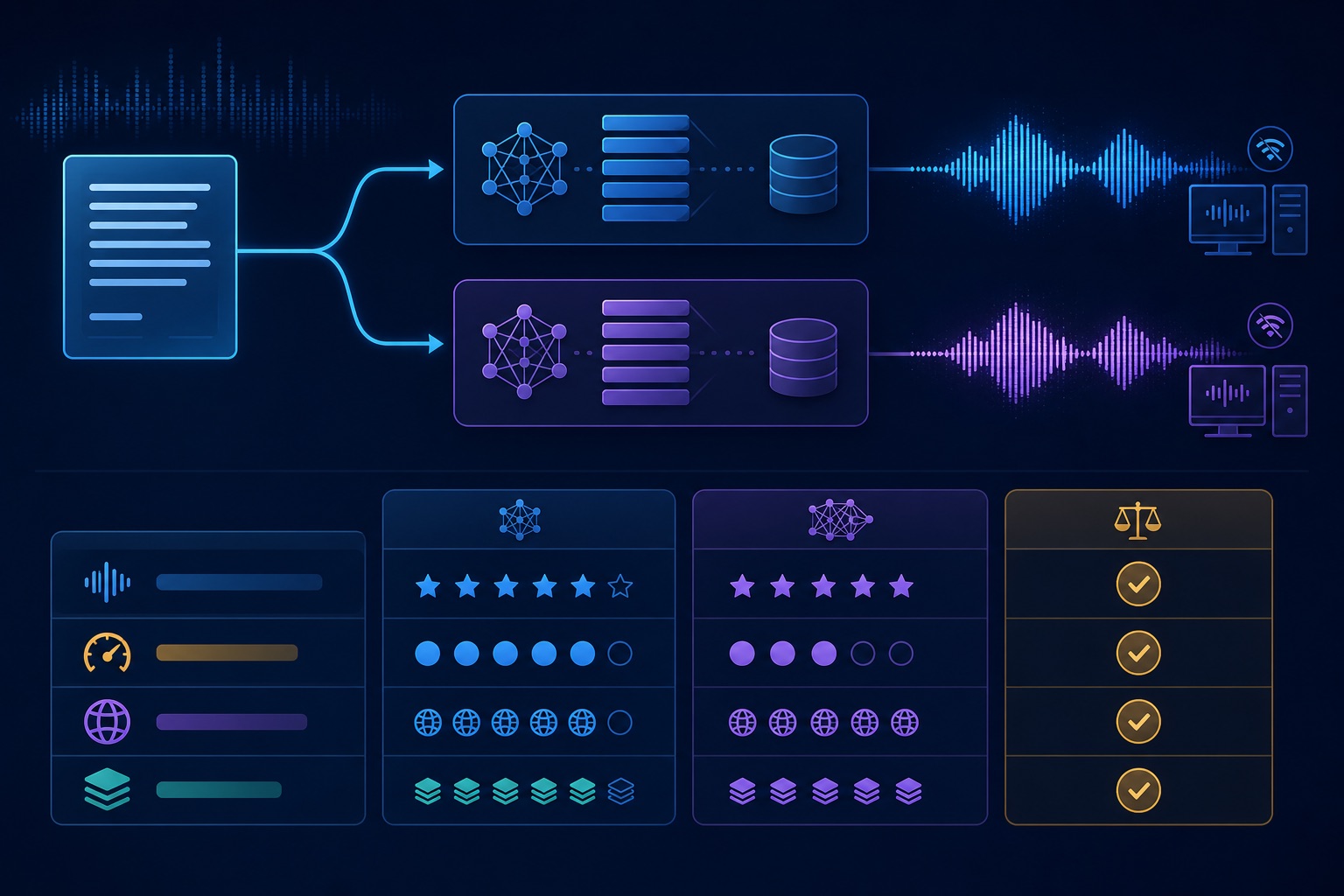
| What matters | Piper | Kokoro |
|---|---|---|
| Voice character | Clear and efficient; the result depends heavily on the selected voice. | Often more expressive in supported voices, but listen to your target language and style. |
| CPU speed | A strong fit for lightweight CPU and batch generation. | Can be quick in a suitable runtime; measure cold and warm runs on your hardware. |
| Hardware | Convenient for modest machines and simple offline tools. | Runtime and memory needs vary, so check the model package before deployment. |
| Languages and voices | Availability depends on the voice files and the community ecosystem. | Availability depends on the release, voice set, and language support. |
| Long-form work | Good for predictable, repeatable generation when the voice fits. | Test paragraph transitions, pronunciation, and stability over a full script. |
| API and batch use | Simple to wrap in a local command or service. | Useful for local workflows once the runtime and model loading are settled. |
Test both with the same script
Do not choose from a short demo sentence alone. Make a small test script of about 150 words and include the things that commonly expose a voice model’s weaknesses: names, dates, numbers, abbreviations, punctuation, a question, and one longer sentence. Keep the text and output format identical for both models.
Record four observations:
- Cold-start time, including model loading.
- Warm generation time after the model is ready.
- Output size and whether the file needs extra conversion.
- Listening notes for pronunciation, pauses, emphasis, and fatigue over longer passages.
That last item matters more than a headline tokens-per-second figure. A voice that is slightly slower but handles names and punctuation cleanly may save more time than a faster voice that needs manual editing. Also test the exact runtime you plan to ship. Quantized and full-precision packages, CPU and GPU paths, and different wrappers can change the result.
Where Piper makes sense
Piper is a good fit for small local utilities, desktop tools, and batch jobs where predictable resource use is important. It is especially attractive when you want a straightforward command-line or service layer and do not want a large stack around the speech engine. On a modest CPU, that simplicity can be the deciding factor.
The trade-off is that the voice may feel more utilitarian depending on the voice file. That is not a flaw if the job is narration, accessibility, alerts, or repeatable internal audio. It becomes more noticeable when the goal is characterful dialogue or a polished voiceover. Try several available voices before judging Piper as a whole.
Where Kokoro makes sense
Kokoro is worth testing when natural phrasing and a more expressive delivery are high on the list. In many setups, its voices can feel less mechanical, but that improvement is not automatic. The selected voice, language, runtime, and hardware all affect the result. A model that sounds good in a sample may still need testing for long-form narration and unusual words.
Kokoro is also a good candidate for a local creative workflow: draft a script, generate a few versions, listen, and keep the one with the right pacing. Before committing, confirm the model package’s memory requirements and the language and voice coverage you need. If you need a tiny always-on service on an older machine, Piper may be the easier operational choice.
Choose by use case
- Choose Piper first for lightweight CPU deployment, repeatable batch jobs, simple local APIs, and applications where low overhead matters more than dramatic delivery.
- Choose Kokoro first for narration, prototypes, and content where voice character is worth spending time on a proper listening test.
- Test both for accessibility or a product feature. Pronunciation, pause behavior, and language coverage affect users directly.
For private or offline work, both approaches can keep text and audio on your own machine. That is useful for internal notes, sensitive drafts, and tools that must keep working without an internet connection. Offline does not remove the need to check licensing, voice availability, and how your application stores generated audio.
Bottom line
Piper is the sensible default for a lean, dependable local pipeline. Kokoro is the more interesting first experiment when natural delivery is the priority. The best answer for your project is the model that passes your own script, on your own hardware, in the runtime you will actually use.
If you want a ready-made local workflow for turning text into speech, see Bytesweavers AI Text To Speech Generator Pro. Use the comparison above to decide which voice model and settings deserve a place in that workflow.

Writes guides and product notes for Bytesweavers.