How to Turn Long Videos into Short Clips Locally on Windows
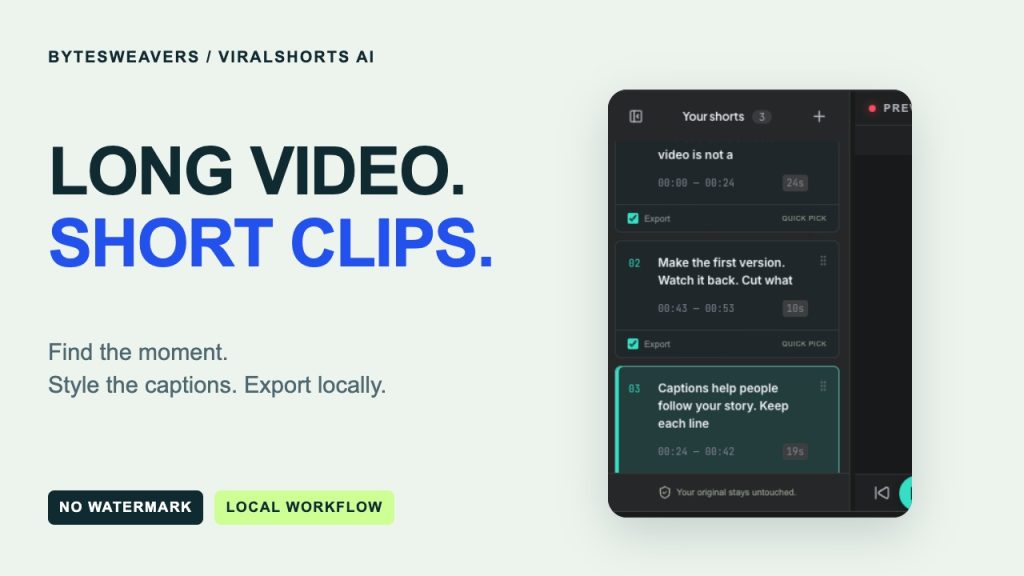
A long recording can contain a useful short without needing a second shoot. The difficult part is choosing a moment that makes sense on its own, keeping the speaker framed and making the words readable on a phone.
This walkthrough uses ViralShorts AI for Windows, which we build at Bytesweavers. The example is the app’s bundled sample project: it comes with a prepared transcript, and the MP4 shown here was exported through the application’s renderer.
Start with a complete idea, not an arbitrary duration
Before adding effects, find a question and its answer, a clear example or a useful takeaway. A viewer who has not seen the original recording should understand why the clip matters. Cut the long introduction, but keep enough setup for the answer to make sense.
A useful test: play the first sentence without the surrounding recording. If it begins with “as I said earlier” or depends on an unseen slide, choose a cleaner start point.
1. Import the recording and prepare a transcript
Choose Import your video in the project workspace. Keep your original recording as the source; edits and exports do not need to replace it.
For your own untranscribed footage, set up a supported speech model or an explicitly selected transcription provider. Local model files need a download first. The included sample avoids that setup because its transcript is already prepared.
2. Review the suggested moments
Open a suggested short and listen to the beginning and ending. Quick Highlights use the transcript and do not require a separate large language-model download. More AI options are available, but a suggestion is a starting point rather than a promise of views.
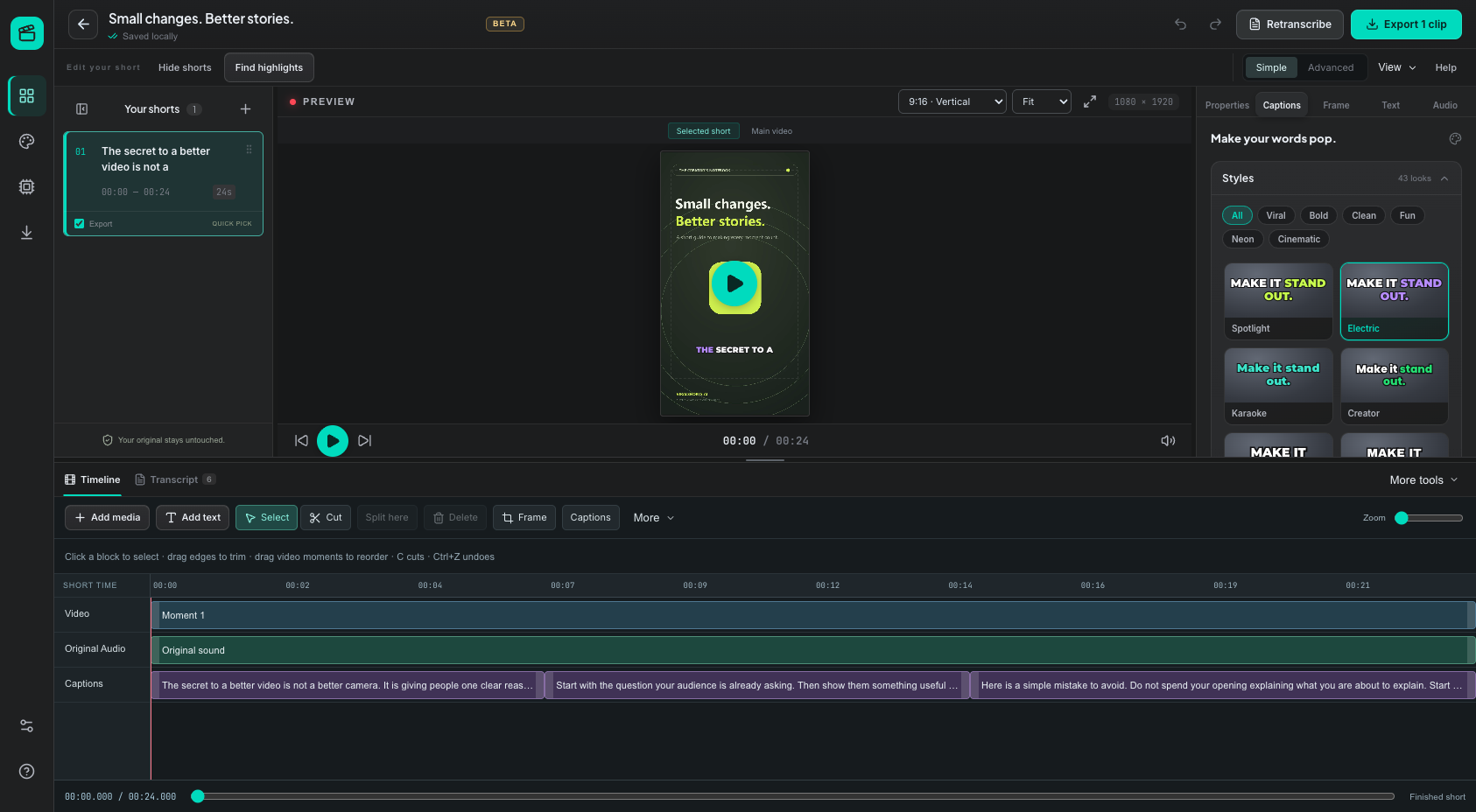
3. Trim the short timeline
The finished-short timeline starts at zero. Tighten pauses and remove sentences that repeat the same point. Keep the answer and its necessary context together. If a cut makes the speaker sound unnatural, leave a little breathing room instead of forcing every clip to the same length.
4. Style the captions for a phone screen
Choose a look in the Captions panel, then check font size, contrast and the safe area. Four short words on a line can be easier to follow than a full paragraph. Open Transcript to correct names and numbers before export.
Read the captions at normal playback speed. A screenshot can look tidy while the animated words move too quickly. Keep important text clear of platform buttons and the lower caption area.
5. Export and watch the actual MP4
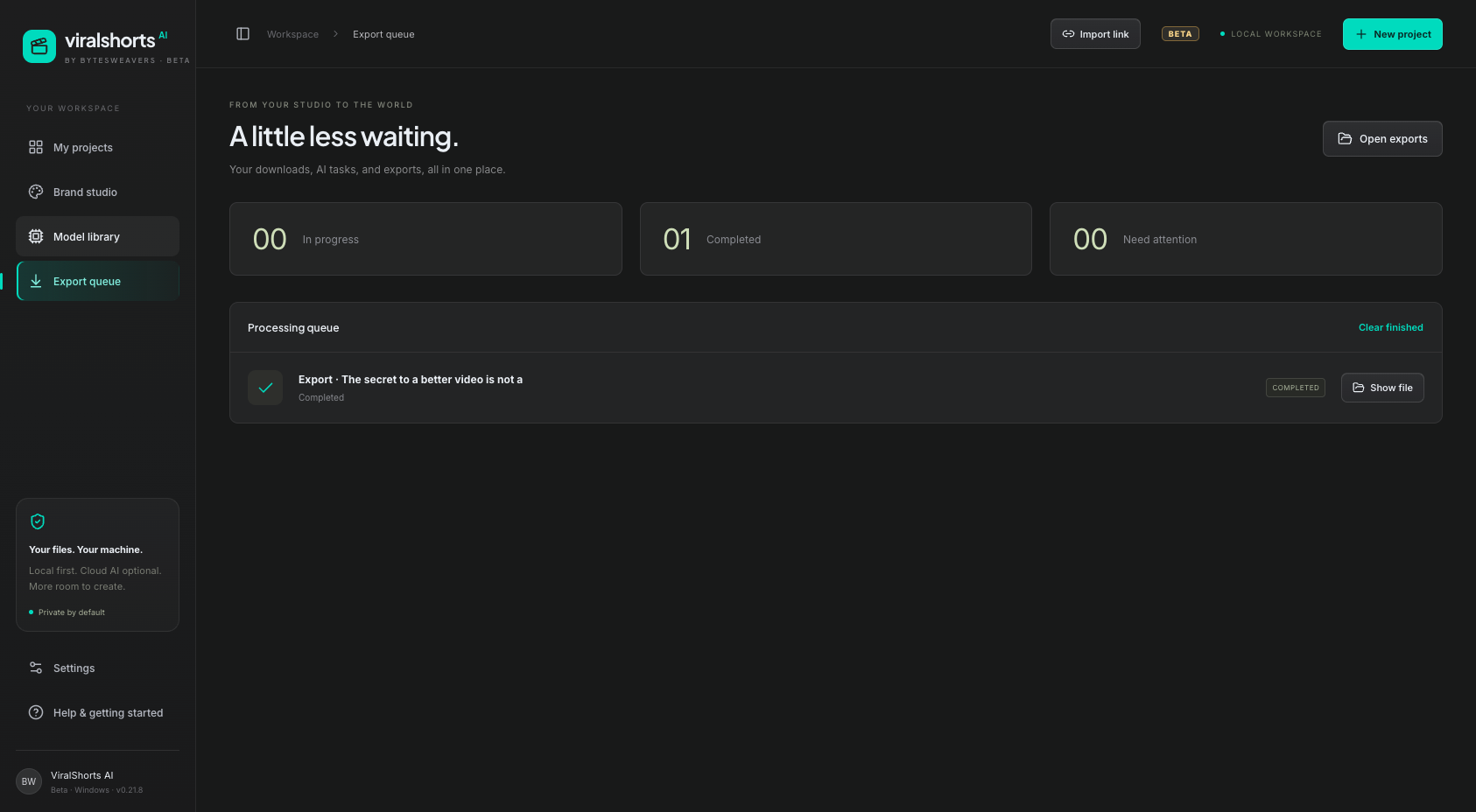
Export the selected short, then look for the completed job in Export queue. Open the finished file and check the complete vertical frame, sound and captions. The bundled example here was exported locally without a watermark.
Three checks before you publish
- Can a new viewer understand the opening sentence?
- Are faces, important objects and captions inside the final frame?
- Does the exported file sound clear and end after the useful point?
Keep source files you have permission to edit and share. Local processing can avoid uploading footage to a transcription service; optional remote providers have their own data handling and charges.
Try the workflow
Find ViralShorts AI by Bytesweavers on the Microsoft Store. Check the listing for current availability, pricing and licensing. You can learn the controls with the included sample before configuring models for your own footage.
Demo note: these captures show version 0.21.8’s real source-build interface on a Mac for a Windows-app walkthrough. No speech or language-model inference was run for this demo.

Writes guides and product notes for Bytesweavers.