Don’t Pay to Erase That Object in Your Photo — 3 Free Websites That Do It

That stray chair in your holiday photo, the pencil on your desk shot, the pen cap on a product image — most tools want a subscription before they let you erase it. You don’t need one. Here are three free websites we actually tested, including the exact limits.
1. Cleanup.pictures — brush over the object, it’s gone
We tested it on Cleanup.pictures’ built-in sample photo: one brush stroke over the orange pencil and the drafting compass, and both disappeared. The area behind them is reconstructed automatically — no clone-stamp work.


The catch: free exports are limited to 720p. Fine for social media, not for print. Pro removes that limit.
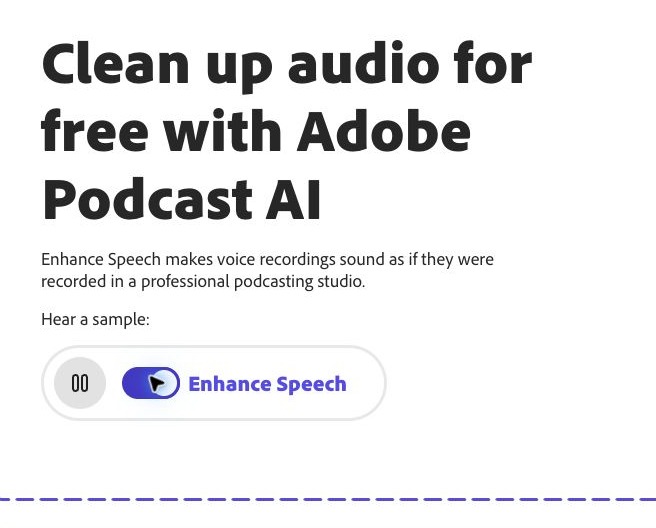
2. Adobe Podcast Enhance Speech — free audio cleanup
Recorded a voice note in a noisy room? Adobe’s Enhance Speech rebuilds it to sound studio-clean. It’s free with an Adobe account: uploads up to 30 minutes and 500 MB per file, with about one hour of processing a day on the free tier. There’s an official before/after sample on the page so you can hear the difference before signing up.
3. PDF24 — merge several PDFs into one file
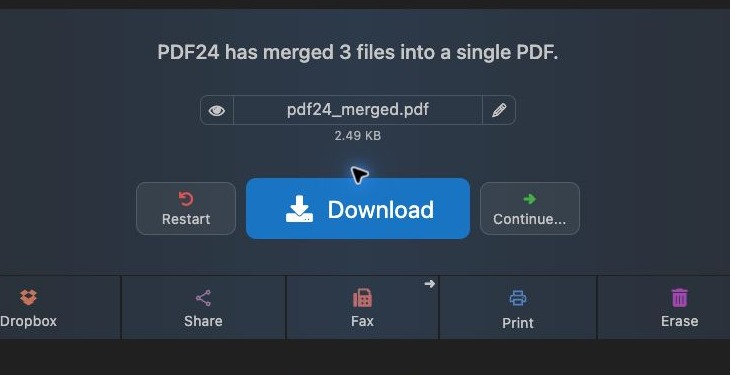
Sending three separate PDFs is a good way to confuse someone. PDF24’s merge tool takes your files in any order and gives you one PDF. We merged three dummy documents and downloaded the result: three pages, no quality change, no signup, no watermark.
What these tools won’t do
- They won’t keep your files local. Cleanup.pictures and PDF24 upload your files to their servers. Adobe Podcast requires an account. Never run anything private or confidential through them.
- They won’t fix everything: heavy motion blur in photos, badly clipped audio, or scanned PDFs with wrong page order still need a manual pass.
All three worked in our tests on 13 November 2026. Bookmark the links, try one on your next edit, and see our 25-second reel of all three in action.

Writes guides and product notes for Bytesweavers.