How to Run Z-Image Turbo Locally on Windows (16GB GPU, Offline Setup)
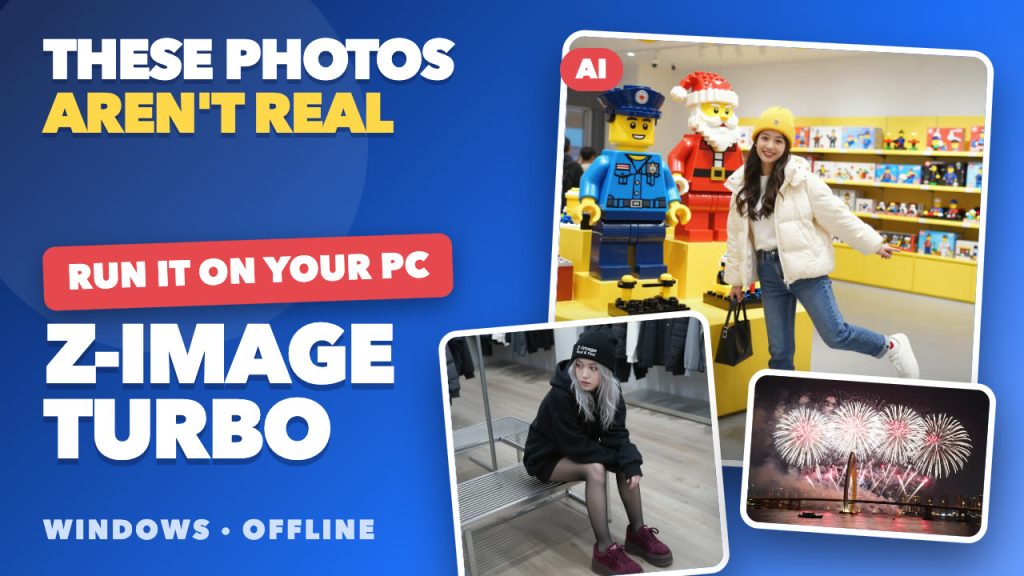
Every sample photo in this guide is AI-generated. They are official samples from Z-Image Turbo, an open image model from Alibaba’s Tongyi lab, and it can run on your own Windows PC with no subscription. Here is what to check first, the four steps in the app, and the catches nobody should skip.
What is Z-Image Turbo?
Z-Image Turbo is a 6-billion-parameter text-to-image model distilled to 8 steps, so each image needs far fewer passes than older models. Its model card highlights photorealism and readable text inside images, in English and Chinese. The license is Apache 2.0, a permissive open license (read it yourself before commercial use).
Check your PC first
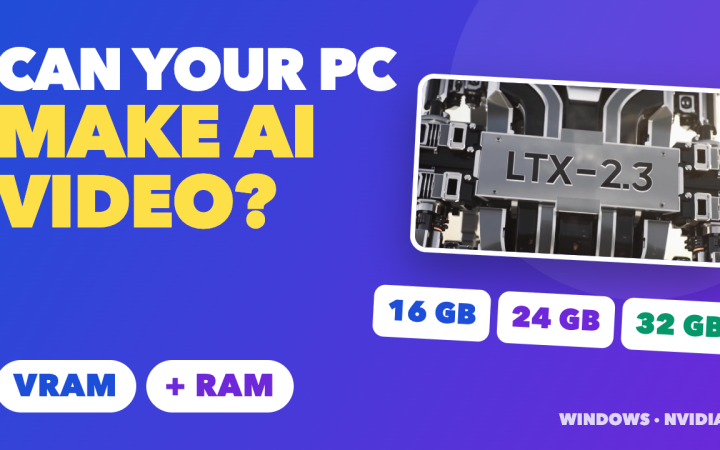
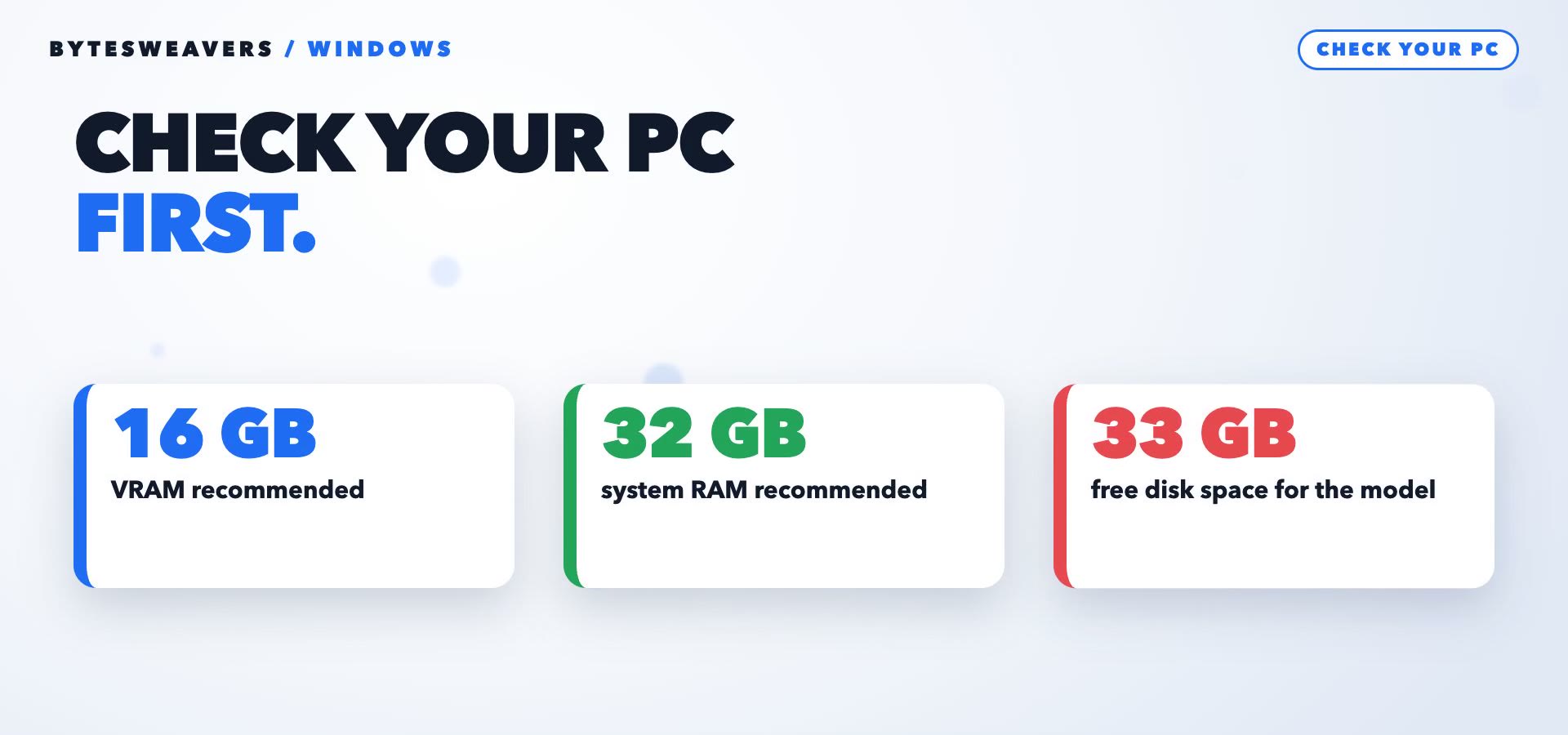
The app lists these requirements for Z-Image Turbo:
- 16 GB of VRAM (graphics card memory) recommended
- 32 GB of system RAM recommended
- About 33 GB of free disk space for the model download
Not sure what you have? Open Task Manager, click Performance, then GPU, and look at dedicated GPU memory. A smaller card still works because the app falls back to CPU offloading, but expect it to be slower.
Step 1: Install AI Text To Image Generator Pro
Install AI Text To Image Generator Pro from the Microsoft Store and open it. The app can run offline after a model has been downloaded once.
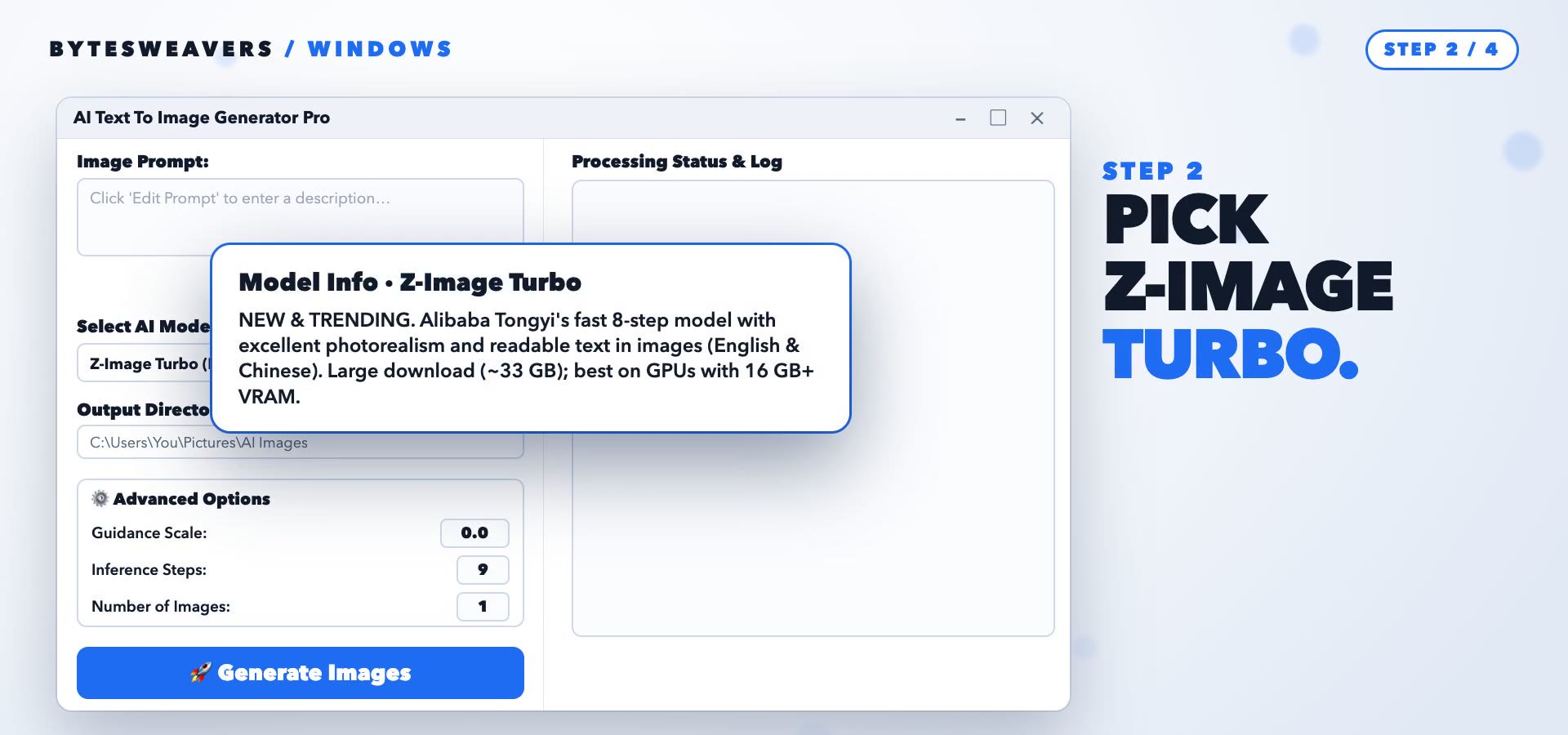
Step 2: Pick Z-Image Turbo
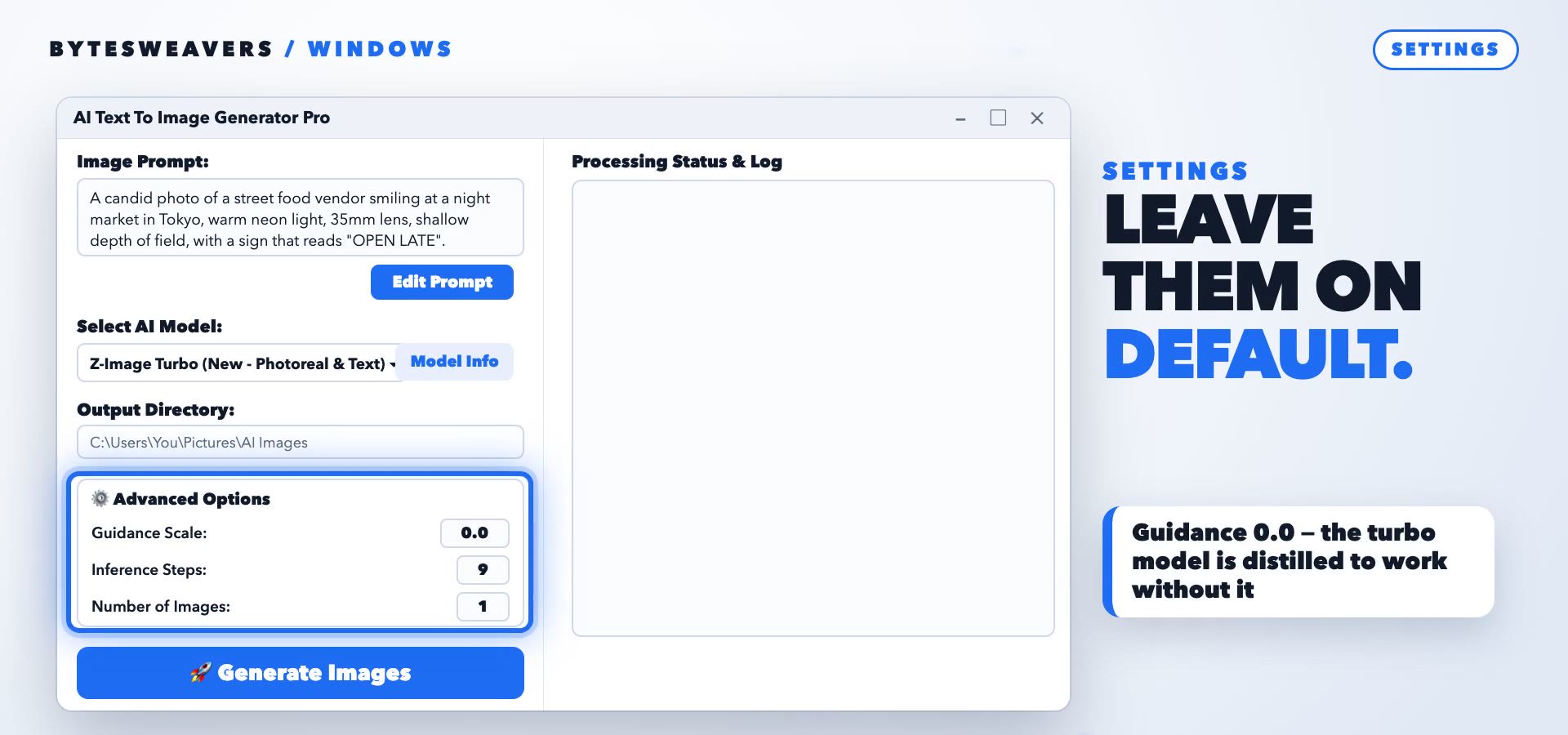
Open the Select AI Model list. Z-Image Turbo (New – Photoreal & Text) is at the top. Click Model Info to read its requirements before you start.
Step 3: Write the prompt
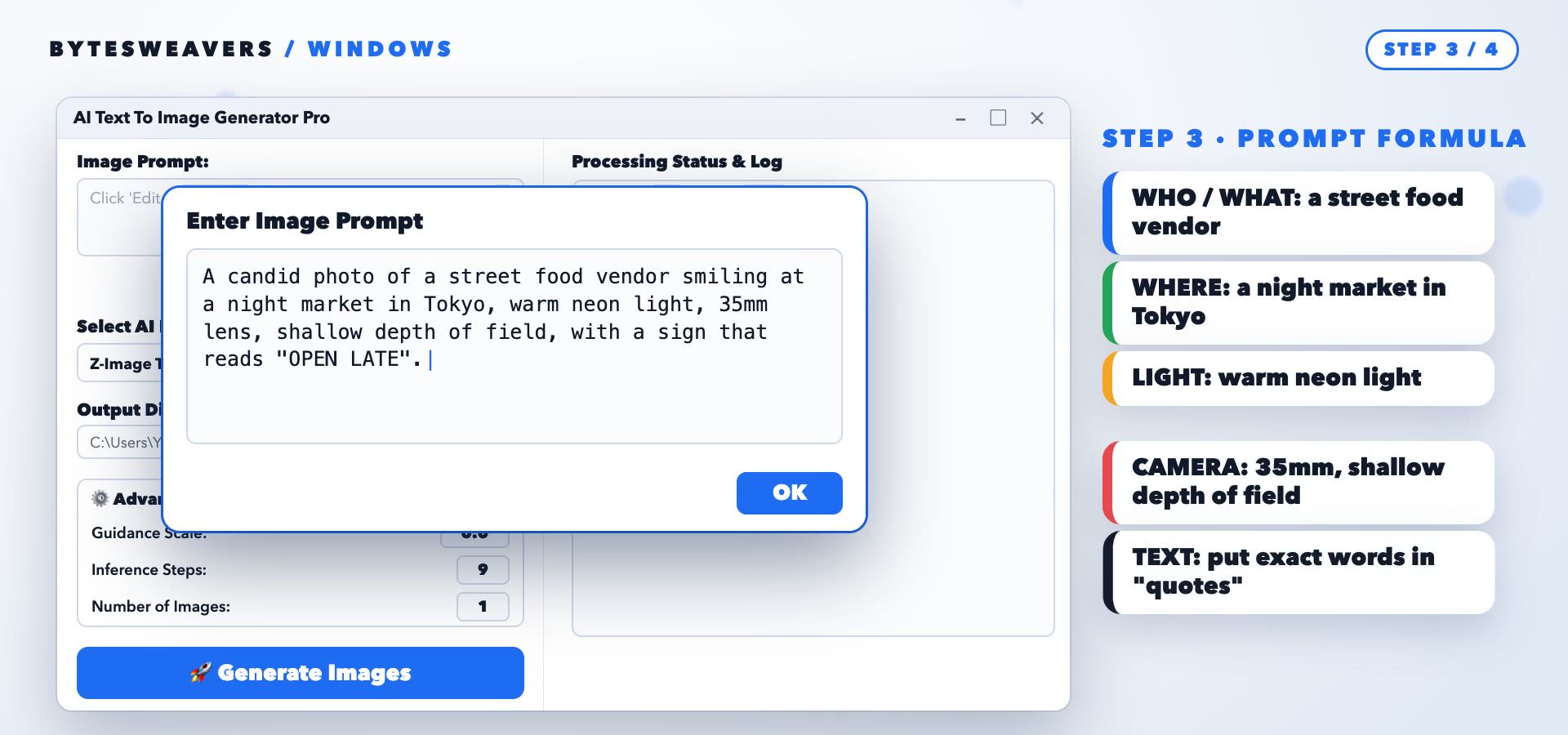
Click Edit Prompt and describe the image. A simple formula works well:
- Who or what: a street food vendor
- Where: a night market in Tokyo
- Light: warm neon light
- Camera: 35mm lens, shallow depth of field
- Text in the picture: put the exact words in quotes
Step 4: Generate
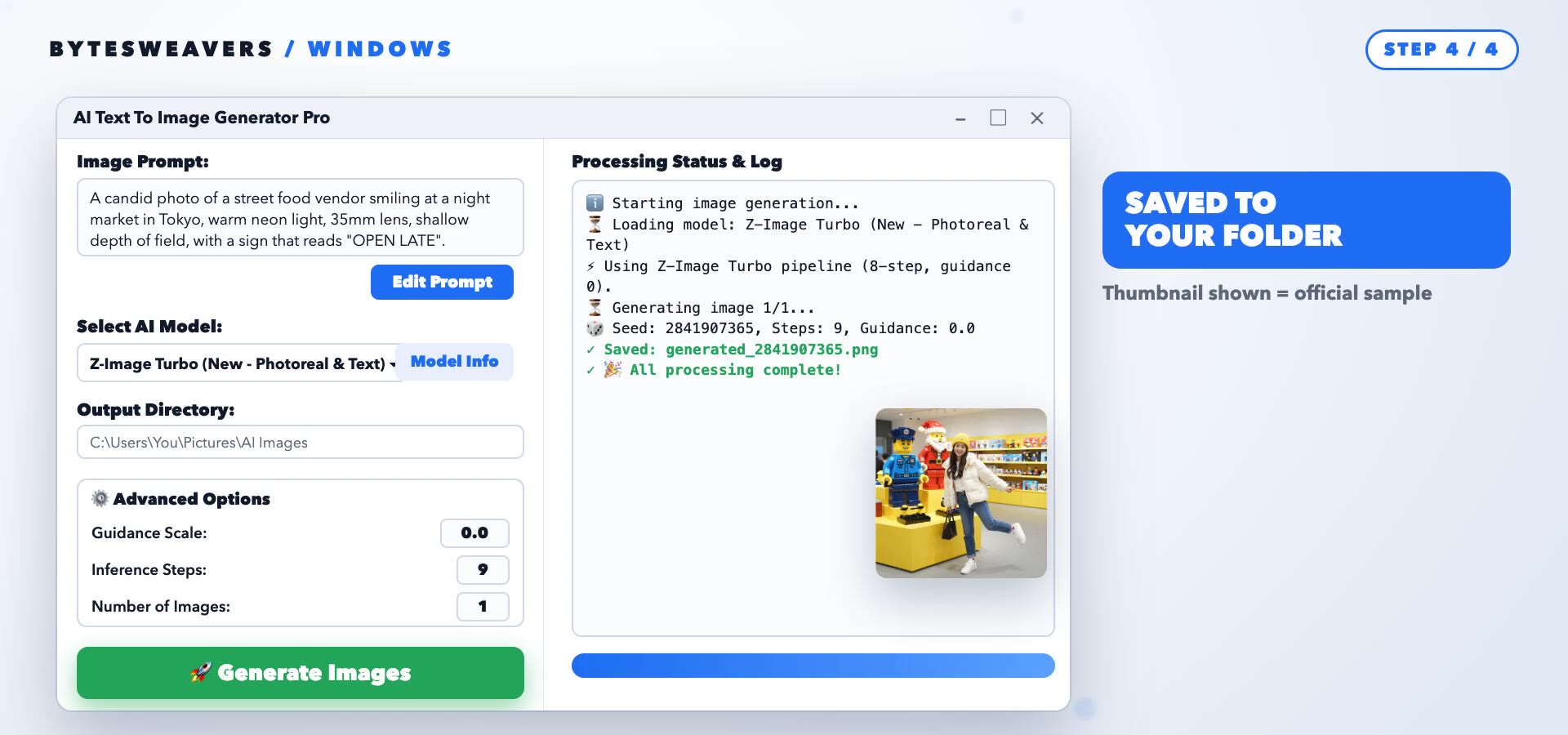
Click Generate Images. The first run downloads about 33 GB, so start it and walk away. After that the log shows the 8-step pipeline and the image is saved to your output folder.
Does it work offline?
Yes, after the one-time download. The app only needs the internet to fetch a model the first time, so there is no upload, no per-image fee, and your prompts stay on your PC.
Settings: leave the defaults
The app sets guidance to 0.0 because this turbo model is distilled to work without it, and uses 9 steps for Z-Image Turbo. Leave both alone to start.
What it can make
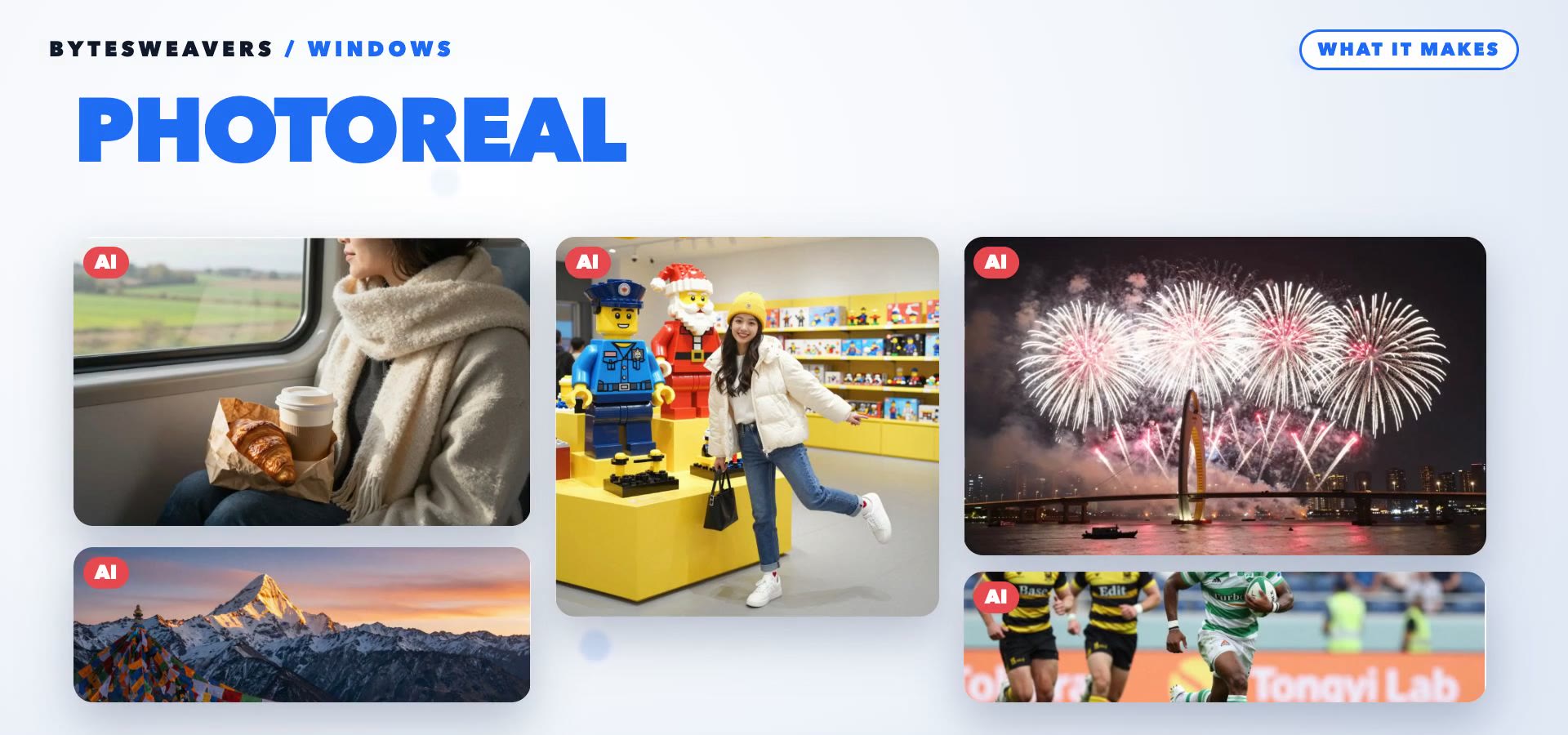
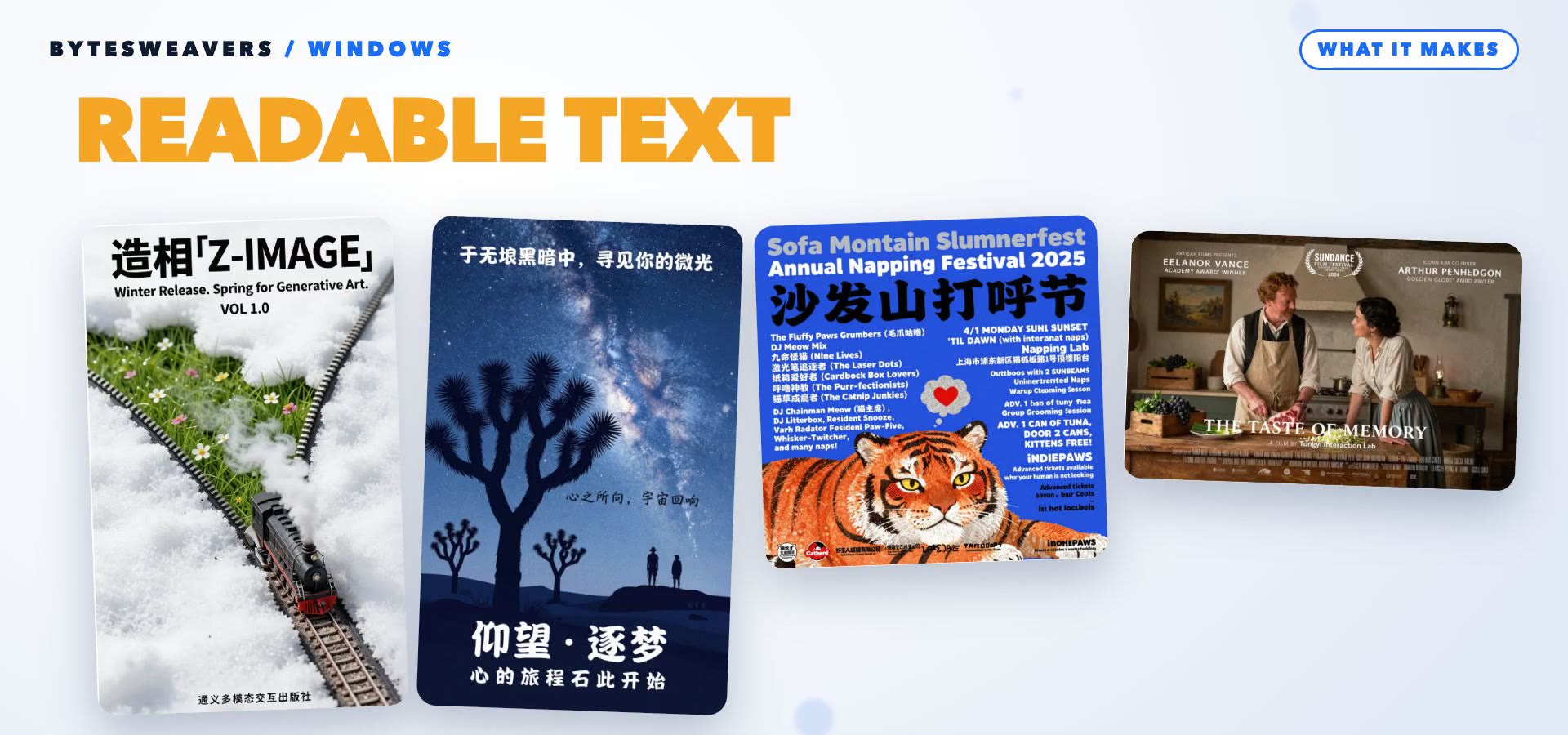
Photoreal people and places, and posters with clean English and Chinese lettering. These are official samples from the model card, so your own results will vary with your prompt and hardware.
Honest limits
- The model card rates diversity as low, so similar prompts give similar looks.
- The first download is big (about 33 GB).
- On a small graphics card it is slow.
- A vague prompt gives a vague picture.
Quick questions
How big is the download?
About 33 GB, once.
Do I need the internet every time?
No. Only to download the model the first time.
What if my GPU has less than 16 GB?
It can still run using CPU offloading, but it will be slower.
Disclosure: I make AI Text To Image Generator Pro. Photos and posters shown are official Z-Image-Turbo samples (Tongyi-MAI, Apache-2.0), not generated by us, and app screens are recreated from the app source. Requirements and settings are those listed in app version 1.2.14 and may change.

Writes guides and product notes for Bytesweavers.