
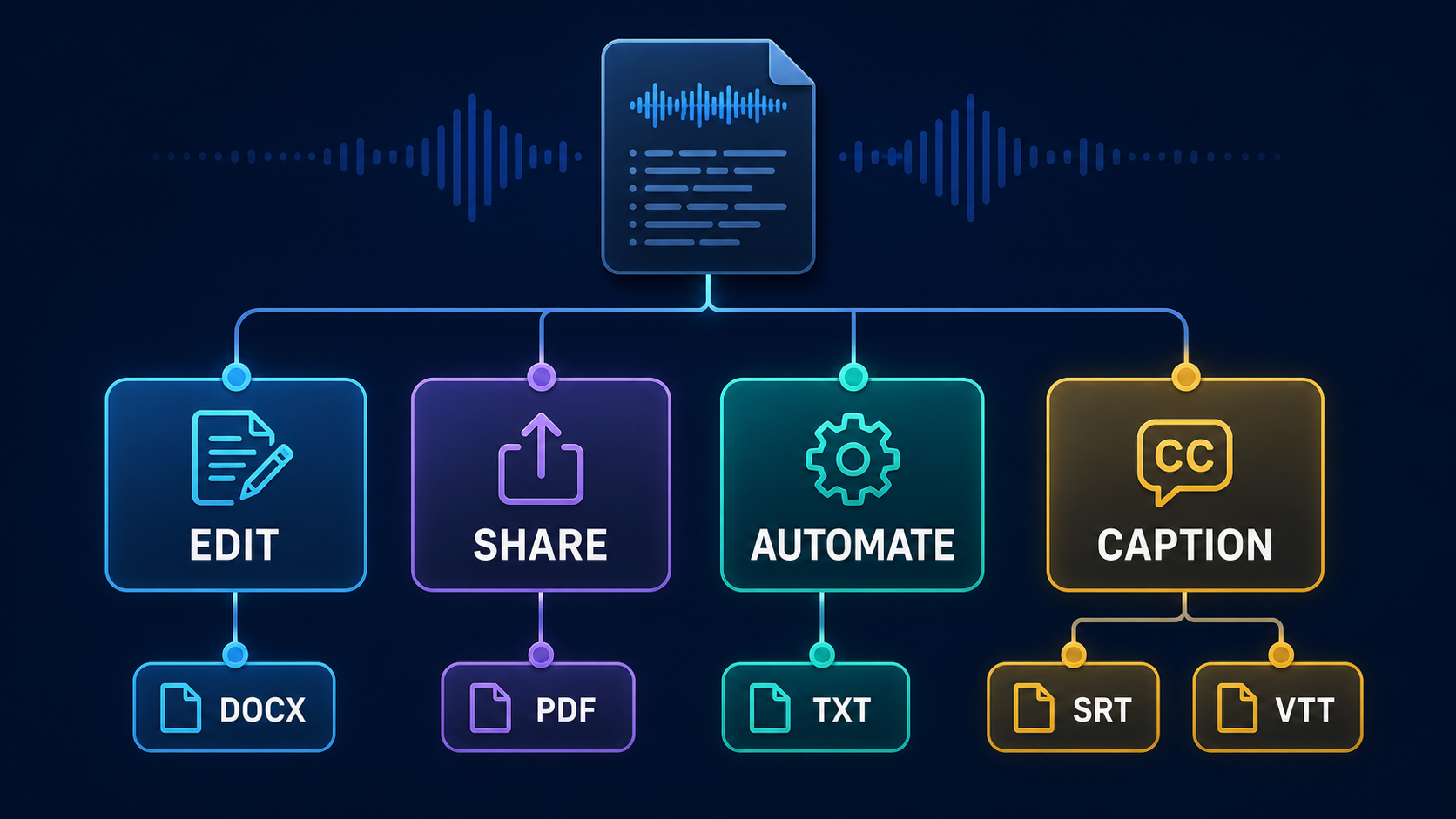
Short answer: the best meeting transcript export format depends on what happens next. Choose DOCX when people need to edit, PDF when the layout should stay fixed, TXT for search or automation, and SRT or VTT when the transcript must appear as timed captions. For important recordings, keep one editable master plus the delivery format instead of relying on a single file.
A transcript can be accurate and still be awkward to use because it was exported in the wrong format. A PDF sent for heavy editing creates needless copy-and-paste work. A DOCX uploaded as captions will not work at all. This guide compares the five common meeting transcript export formats by job, not by file extension alone.
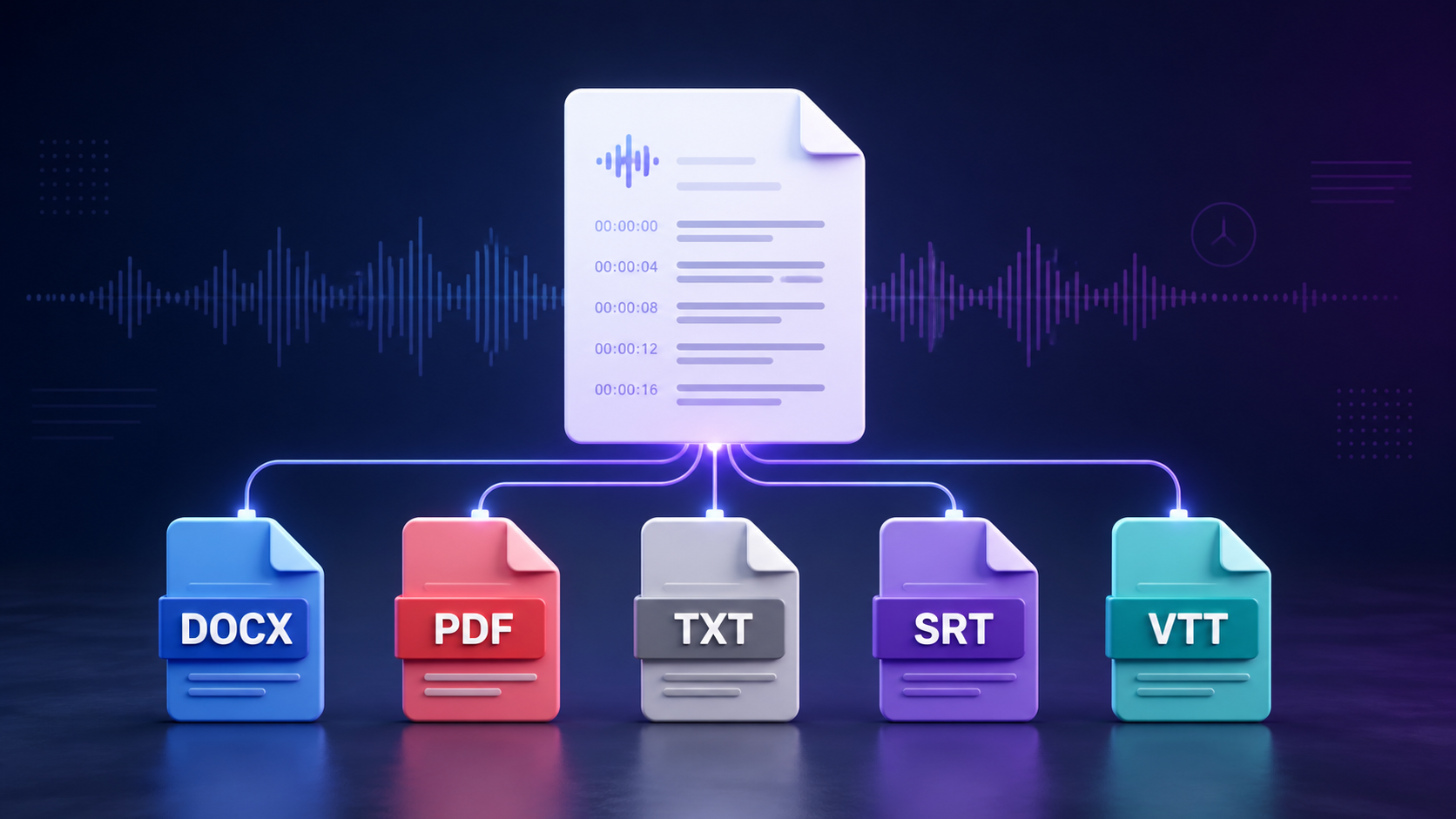
Meeting transcript export formats at a glance
| Format | Best for | Main strength | Main limitation |
|---|---|---|---|
| DOCX | Editing and review | Comments, headings, tracked changes | Layout can shift between apps |
| Fixed sharing and records | Predictable page layout | Poor choice for major edits | |
| TXT | Search, scripts, and imports | Simple and widely readable | No rich formatting |
| SRT | Video captions | Simple timed cue structure | Very limited styling |
| VTT | Web video captions | Timed cues plus web-oriented settings | Not accepted by every older workflow |
File size is rarely the deciding factor for a text-heavy transcript. Images, embedded fonts, styling, and the exporting app can change the size of DOCX and PDF files. Choose the format around the work people must do, then check the actual export if an upload limit matters.
Choose DOCX when the transcript still needs work
DOCX is the practical choice for an editor, researcher, lawyer, project manager, or client who needs to change the transcript. It supports headings, speaker labels, comments, tables, highlights, and tracked changes. The format is based on Office Open XML, a standardized set of document vocabularies and packaging rules described in ECMA-376.
Use DOCX for:
- correcting names and technical terms;
- turning a meeting into minutes or an article;
- collecting comments from several reviewers;
- marking quotes and action items;
- keeping headings, paragraphs, and tables editable.
Avoid treating DOCX as a final visual record. Fonts, page breaks, and table widths can change when the file opens in another office suite. If the approved layout matters, export a PDF after the edits are finished.
Choose PDF for a stable copy people can read
PDF works well when the transcript is ready to share and the page layout should remain predictable. The Library of Congress describes PDF as a format for formatted, page-oriented documents and notes that it is generally used as a final-state delivery format.
That makes PDF useful for approved interview transcripts, signed-off meeting records, board packets, and client deliverables. Add searchable text, sensible headings, page numbers, and document metadata. If the file is intended for long-term retention, your organization may have additional archival or accessibility requirements.
PDF is not a good working master when people still need to rewrite paragraphs or restructure the document. Comments and small annotations are possible, but substantial editing is easier in DOCX or a collaborative document. Keep the editable source instead of expecting the PDF to serve both jobs.
Choose TXT for search, automation, and portability
Plain text removes nearly everything except the words and line breaks. That simplicity is useful. TXT files are easy to search, compare, parse, move into a database, or process with a script. They also open on almost any operating system without a specialist editor.
Use TXT when you plan to:
- search a large archive of transcripts;
- feed text into a local analysis workflow;
- extract action items with a script;
- import the transcript into another tool;
- keep a lightweight text-only master.
Decide how to preserve speakers and time references before exporting. A simple line such as [00:08:14] Priya: We can ship the draft on Friday. survives as plain text and remains easy to parse. Save the file as UTF-8 so names and multilingual text do not break when it moves between systems.
Choose SRT when you need simple timed captions
SRT is a plain-text subtitle format built from numbered caption blocks. Each block contains a start time, an end time, and one or more lines of caption text. The Library of Congress SRT format description shows that cues are separated by blank lines and that timestamps use a comma before milliseconds.
1
00:00:02,200 --> 00:00:05,600
Welcome. Today we are reviewing the launch plan.

2
00:00:06,100 --> 00:00:09,000
First, let us check the open tasks.
Choose SRT for a straightforward caption file that will be uploaded beside a video. It is easy to inspect and repair in a text editor. It is not designed to preserve a polished meeting document, and speaker formatting or placement options are limited. Keep a DOCX or TXT copy if you also need a readable transcript.
Choose VTT for captions on the web
WebVTT is another timed-text format, commonly used with web video. A VTT file starts with a WEBVTT header and uses a period before milliseconds. The W3C WebVTT specification defines timed cues and optional cue settings such as position, alignment, and size.
WEBVTT

00:00:02.200 --> 00:00:05.600
Welcome. Today we are reviewing the launch plan.

00:00:06.100 --> 00:00:09.000
First, let us check the open tasks.
Choose VTT when the receiving website or player asks for it, especially when you need web-oriented cue behavior. Do not rename an SRT file to .vtt; the header and timestamp syntax differ. Convert the structure and then test the result in the actual player.
SRT vs VTT: use the format the player expects
For most teams, the practical difference is compatibility. SRT is a simple delivery format used in many video workflows. VTT is designed for timed text on the web and supports additional cue settings. Neither is automatically better for every project.
Before exporting, check four things:
- Which extension does the destination accept?
- Does it expect commas or periods in timestamps?
- Will it keep speaker names and line breaks?
- Does the first and last caption appear at the right time?
Open the finished video and spot-check the start, middle, and end. A structurally valid caption file can still contain captions that flash too quickly, cover important on-screen text, or drift out of sync.
Use two exports when the transcript has two jobs
One transcript often has more than one destination. A research interview may need a DOCX for editing and a PDF for approval. A recorded webinar may need TXT for the content archive and VTT for the web player. A training video may need SRT for upload and DOCX for the instructor’s notes.
A simple rule works well:
- Working master: DOCX when humans will edit; TXT when software will process it.
- Delivery copy: PDF for fixed pages; SRT or VTT for timed captions.
Do not keep five exports merely because the software offers them. Keep the master, the actual delivery format, and any approved record your retention policy requires.
Name and archive transcript files clearly
Use the same filename stem across formats so related files stay together:
2026-08-28-product-review-v01.docx
2026-08-28-product-review-v01.pdf
2026-08-28-product-review-v01.vtt
Include the date, subject, and version. Add a language code when needed, such as en-IN or fr-FR. Avoid labels such as final-final-2. When an approved version replaces a draft, update the version consistently across its companion files.
Store the original audio or video separately from derived exports. If a transcript contains private meetings, medical details, customer information, or unreleased plans, check access permissions before sharing. A convenient file format does not replace a sound privacy policy.
A quick export checklist
- Correct names, numbers, and speaker labels.
- Use DOCX or TXT as the working master.
- Use PDF only after the layout is approved.
- Use SRT or VTT only when timestamps are required.
- Test caption files in the destination player.
- Keep filenames and version numbers consistent.
- Confirm access permissions before sharing.
If you need to create the transcript locally before choosing an export, Video to Text Transcriber can turn recordings into editable text, while AI Auto Captions Pro is designed for timed caption workflows. Pick the tool and the format around the final job, then keep only the files your workflow actually needs.
