How to Play Camera-Controlled Games on Android: A PlayByHand Setup Guide
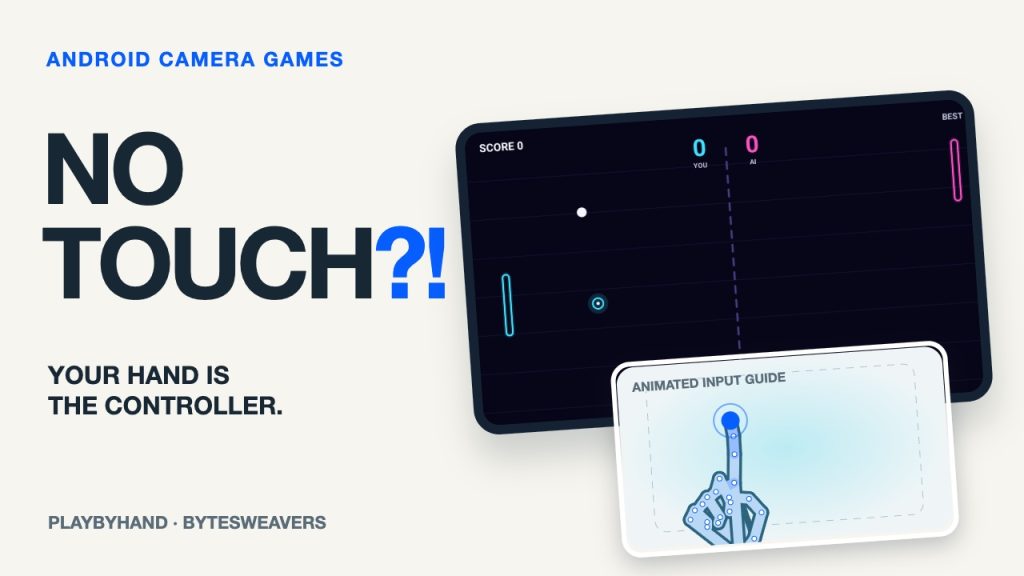
Your phone’s camera can be an input device, not just a way to take photos. In PlayByHand: Webcam Arcade, hand movement controls five short arcade games. This guide explains the setup, which mode to start with, and what to adjust when the pointer becomes unreliable.
Disclosure: We are Bytesweavers, the app’s developer. The images below are actual native Android game-source renders with animated hand-input tests. They are not live phone-camera recordings or device-performance benchmarks.
What you need before you start
Find PlayByHand: Webcam Arcade by Bytesweavers on Google Play. You need a compatible Android device and a working camera for hand controls. No gamepad, headset or wearable controller is required. The game contains ads. Check the current listing and permissions on your device before installing.
Place the phone on a stable stand in landscape rather than holding it in the hand you want to use. Face a light source and leave enough space for your hand to remain inside the camera view. A bright window behind you can make the hand harder to distinguish.
1. Enable camera controls and check the pointer
When the app asks for camera access, allow it if you want motion controls. Start with one clearly visible hand. Move slowly and watch where the detected fingertip appears. If the pointer disappears, bring your hand back into view before moving faster. Touch controls remain available as a fallback.
There is no universal distance or sensitivity setting that works for every camera. Adjust the phone’s position and the lighting until small movements produce a clear response. Do not judge tracking from a fast swipe before you have checked this basic setup.
2. Start with Neon Pong
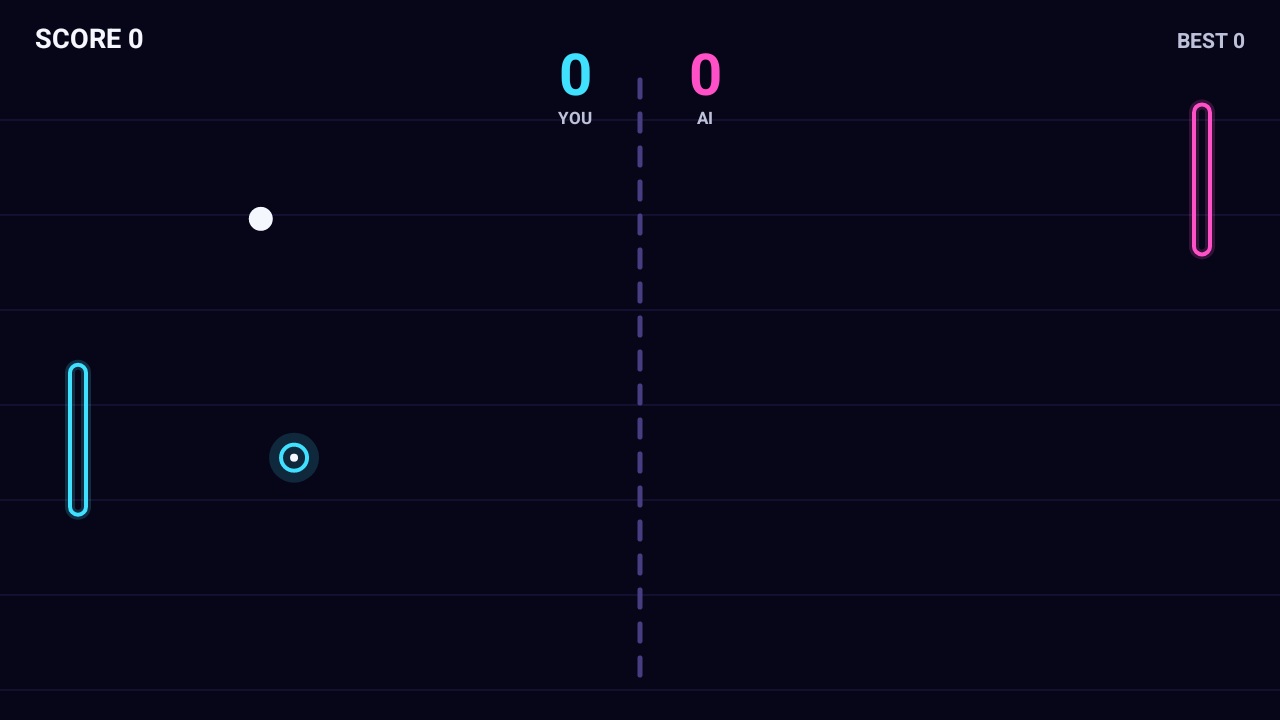
Pong gives you a simple first control to learn: move your hand up or down to position the paddle. Begin with small movements, then hold your position as the ball approaches. The goal is to learn the relationship between your hand, the pointer and the paddle before trying a faster mode.
Large, frantic movements can take your hand out of frame. Move early, keep the fingertip visible and give yourself room to respond. Actual responsiveness depends on the device and camera conditions.
3. Try the other four control styles
- Fruit Slicer: swipe across fruit rather than holding still over it. Avoid the bombs.
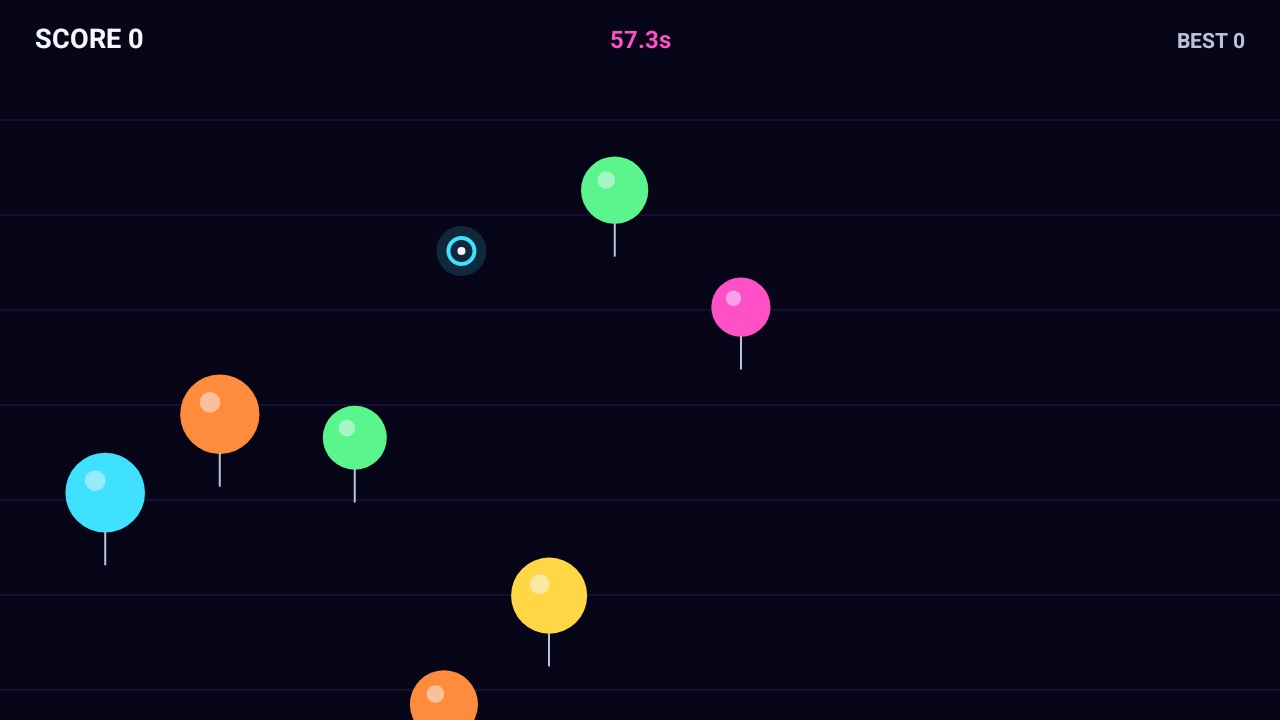
- Balloon Blitz: point at targets to pop them during a timed round.
- Glow Snake: guide the snake with your fingertip and avoid its tail and the walls.
- Brick Breaker: move your hand sideways to position the paddle beneath the ball.
If the controls keep losing your hand
First improve the light, steady the phone and bring the whole hand clearly into view. Keep the camera unobstructed. Then retry a small movement in Pong. If tracking still feels unreliable, try touch controls; do not assume a video demonstration guarantees the same performance on your phone.
Camera privacy and advertising are separate
The developer listing states that camera frames are analysed on the device and are not recorded or uploaded. This does not mean the entire app collects no data: the game contains advertising, and its Google Play Data safety section describes separate advertising-related practices. Read that section rather than treating an on-device camera feature as a blanket privacy claim.
Your first round
Use a stable phone, clear lighting and one hand in view. Try Pong first, then a swipe or pointing game. See PlayByHand on Google Play for the current app details. Which of the five control styles would you try first?

Writes guides and product notes for Bytesweavers.