
A new model can look impressive in a launch post and still be the wrong choice for your product. Before switching to GPT-6 Astra, test it on the work your team already does. The goal is not to repeat a benchmark number. The goal is to find out whether the model finishes your real tasks with less repair.
OpenAI describes GPT-6 Astra as a model for long-context work, coding, browsing, computer use, research, and other multi-step tasks. Its documentation lists a 1.05-million-token context window and API pricing of $10 per million input tokens and $50 per million output tokens. Those details are useful starting points, but they do not answer the migration question by themselves.
Start with one real workflow
Pick a job that happens every week. Good examples include reviewing a pull request, turning a meeting recording into tasks, checking OCR results, updating a report, or researching a feature from several documents.
Write down what “done” means before you test. Note the facts that must be correct, the files that may change, the tools the model may use, the actions that need approval, and the result you expect when something fails. This small definition keeps a nice-looking answer from hiding a missed requirement.
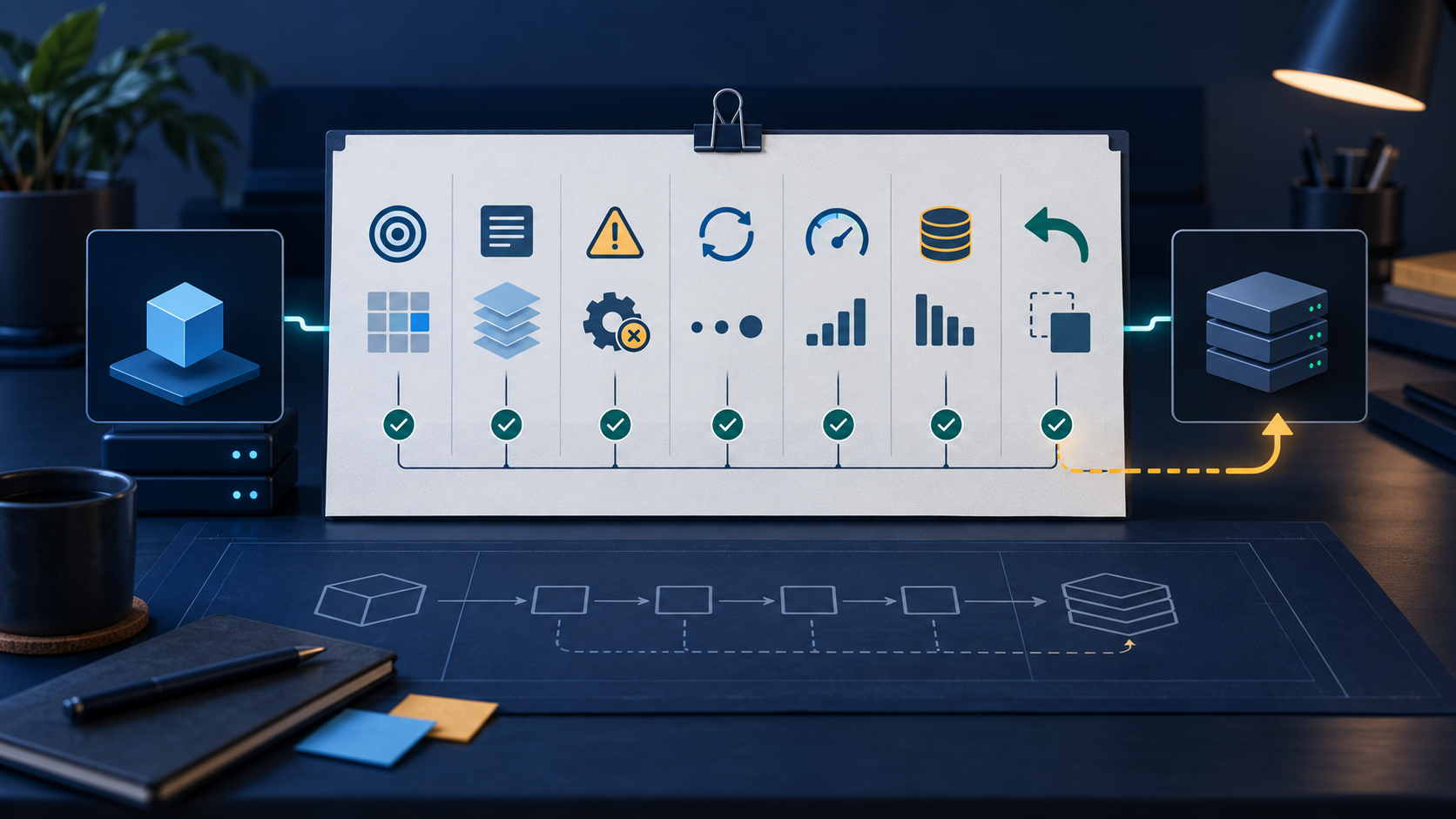
1. Check output correctness
Give Astra a task with a known answer. For a code review, keep a short list of real issues that should be found. For a document task, prepare a reference answer with the important facts and numbers.
Score the result against that reference. Check missing facts, invented details, wrong edits, and formatting that changes the meaning. Do not give full credit just because the writing sounds confident.
2. Test deep context
A large context window is helpful when the work really needs many files. It can also make a test look easier than it is. Put known facts near the beginning, middle, and end of a long input. Add two documents with a small contradiction. Include an old instruction that a newer instruction replaces.
Then ask for a short answer with citations to the source sections. You are checking retrieval, instruction priority, and resistance to distraction. Finding one hidden sentence is not enough.
3. Make a tool fail
If your workflow uses files, browsers, code, or another tool, test the failure path on purpose. Return an error. Make a file unavailable. Give the model a read-only task and check that it does not make an edit.
A useful agent should say what failed, keep completed work safe, and stop when the next step needs permission. A smooth explanation is not a substitute for a safe result.
4. Count retries and cleanup
Run the same task several times. Change a harmless detail in the input. Record how often the model finishes, asks for a correction, repeats a tool call, or leaves work for a person to repair.
- Successful first runs.
- Retries before completion.
- Manual correction time.
- Wrong or extra changes.
- Tasks that stopped without a usable result.
The best run is not the useful number. The average cost of reaching a correct finish line is.
5. Measure latency on the full task
Fast token output does not always mean a fast workflow. Measure time to first useful result and time to a finished task. Include file reads, tool calls, retries, approvals, and any waiting caused by a long response.
Use the same hardware, network conditions, prompt, and tool setup when comparing models. One short demo cannot tell you how the model behaves inside a large project.
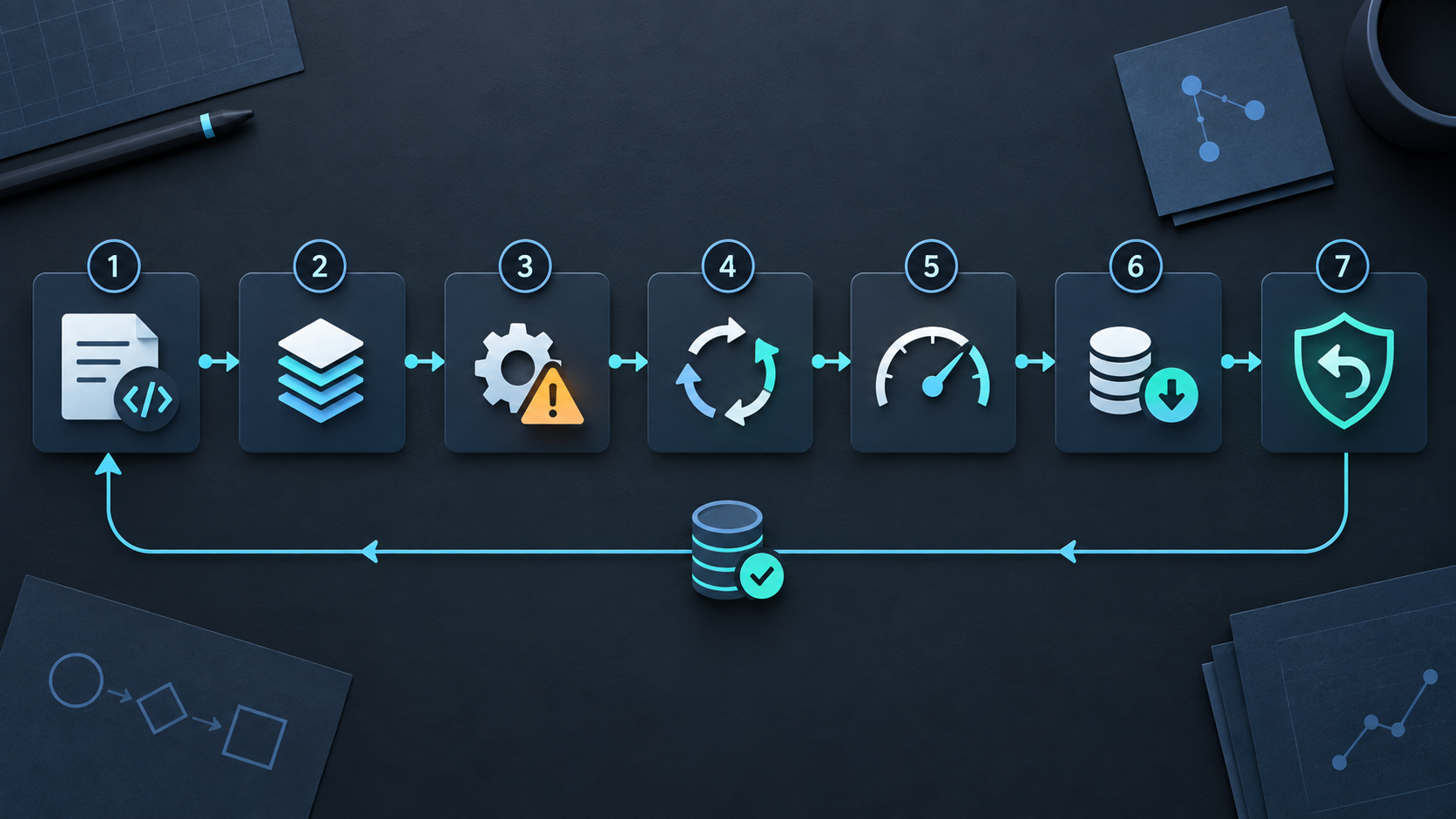
6. Calculate cost per finished result
Token pricing matters, especially for long inputs. OpenAI lists Astra at $10 per million input tokens and $50 per million output tokens, with separate cache and fast-mode rates. Use the current documentation when you calculate your own estimate.
Also count retries, tool calls, review time, and repair work. A model with a higher request price can cost less when it completes the job in one run. A cheaper model can still win on simple, predictable work.
7. Test rollback before switching the default
Keep the current model available while Astra is under test. Save representative inputs, expected results, prompt versions, and tool definitions. Route a small share of suitable work to Astra before changing the default.
If results change, you need to separate the model from the prompt, tool layer, and application. A rollback path makes that investigation possible. It also makes it easier to stop a migration when the evidence is mixed.
A small migration scorecard
| Check | Record |
|---|---|
| Correctness | Facts, edits, and required output that were right |
| Context | Retrieval, contradictions, and instruction priority |
| Tools | Errors, permissions, retries, and safe stopping |
| Latency | Time to a useful result and time to completion |
| Cost | Tokens, tool calls, retries, and human repair |
| Rollback | How quickly the old path can be restored |
Keep the scorecard next to the test inputs. That gives the team one place to compare runs instead of relying on launch-day impressions.
Final recommendation
GPT-6 Astra may be a strong fit for long, tool-heavy developer workflows. The sensible way to find out is to test one real job across correctness, context, tools, retries, latency, cost, and rollback.
Do not switch because the launch post is exciting. Switch when your own results show that the finished work is better, safer, or cheaper for the people who use it.
Sources: OpenAI GPT-6 Astra announcement, official GPT-6 Astra model documentation, and OpenAI Astra safety overview.
