How to Test Mixed-Language Captions: A 4-Step Method for Code-Switching Speech

Automatic captions are usually judged on clean, single-language speech. Real speech is messier: people drop a Spanish word into an English sentence, say a product name in the middle of a Hindi phrase, or read out a phone number. This guide gives you a repeatable way to check how any caption tool handles that, using a short recording and a simple error log.
Why mixed-language speech breaks captions
Most speech models decide early which language they are hearing, then keep that assumption for a stretch of audio. When a speaker switches mid-sentence, three things commonly go wrong: the switched word is spelled as the nearest word in the main language, proper names get replaced by common words, and numbers are written out differently from how they were said. None of this is guaranteed to happen with any particular tool, which is exactly why you test with your own audio instead of trusting a demo.
Step 1: Record one short line you own
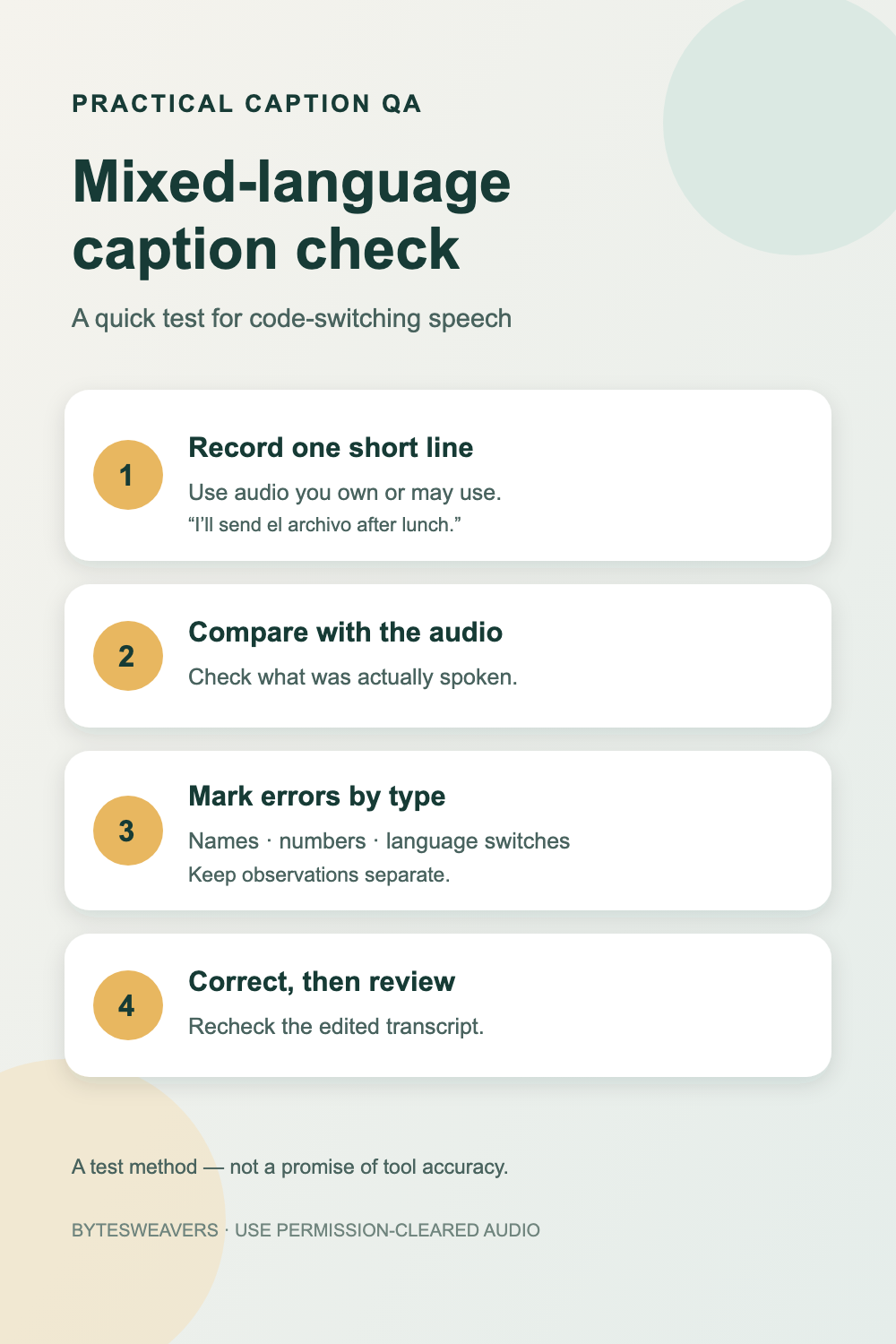
Use audio you recorded yourself or have permission to use. Keep it to 10 to 20 seconds so every word can be checked. A good test line has one language switch, one proper name and one number. For example: “I’ll send el archivo to Priya after lunch, around 3:30.” Record it in a quiet room first, so you know any errors come from the language switch and not from background noise.
Step 2: Write down what was actually said
Before you run any tool, type the exact words from memory or from a script. This is your answer key. Without it, you end up judging the captions by whether they read well, and a fluent-looking caption can still be wrong.
Step 3: Mark errors by type, not by feeling
Run the caption tool, then compare its text with your answer key. Log each difference in a table like this, one row per error:
| Error type | What to look for | Example row |
|---|---|---|
| Name | A proper name replaced by a similar common word | “Priya” became “pre-a” |
| Number | Digits, times or amounts written differently from what was said | “3:30” became “three thirty” |
| Language switch | The switched word respelled in the main language | “archivo” became “our CEO” |
| Punctuation | Sentence breaks that change the meaning | A question captioned as a statement |
Counting errors by type tells you more than one overall accuracy figure. A tool that is fine on numbers but weak on names suits a different job than the reverse.
Step 4: Correct, then recheck the edited transcript
Fix each error the way you normally would, then export or play back the result. Many problems only show up after export: a corrected word that is still wrong in the exported subtitle file, or timing that drifts after an edit. If a fix does not survive export, record that in the log as a separate problem.
Making the test fair
- Use the same recording for every tool you compare, so only the tool changes.
- Test two or three different speakers if you can. Accent and speaking speed change results more than most people expect.
- Repeat the line at a slower and a normal pace. If the slow pass is clean and the normal pass is not, the tool is struggling with the switch, not the vocabulary.
- Note the tool version and the language settings you chose, since results can change with an update.
What this test can and cannot tell you
A 15-second test is a fast screen, not a benchmark. It will not tell you how a tool performs across hours of audio, many speakers or every language pair. Treat one clean result as a reason to test longer, and treat one bad result as a reason to look at which error type failed. If the stakes are high, such as legal, medical or published subtitles, a person should always review the final transcript.
Quick answers
Do I need a long recording? No. A short, scripted line is easier to score and easier to repeat.
Can I use someone else’s video? Only if you have permission. Recording your own line avoids the question.
Which error matters most? That depends on the use. Names and numbers usually matter most for meetings and tutorials, because a wrong name or figure changes the meaning.
Disclosure: Bytesweavers builds captioning and transcription software. This method is tool-neutral, and nothing above is a benchmark result for any product.

Writes guides and product notes for Bytesweavers.