Transform Your WordPress Site into a Lead-Generating Powerhouse with BytesWeavers AI Chat Master Pro
admin
July 16, 2026
Lead Generation, WordPress Plugins
Picture this: a potential customer lands on your WordPress site at 2 a.m., types a question into the chat widget, and within three exchanges the bot has not only answered their query but also offered a gated industry report in return for their email address. By the time you pour your morning coffee, that visitor’s details are already sitting in your CRM, tagged as a warm lead ready for follow‑up. This isn’t a futuristic fantasy—it’s the everyday reality for sites using BytesWeavers AI Chat Master Pro.
Most WordPress owners treat chatbots as glorified FAQs, missing the biggest opportunity they present: turning casual browsers into qualified prospects without adding extra forms or pop‑ups that hurt user experience. The Pro version goes beyond simple scripted replies; it leverages OpenAI, Anthropic, and Google Gemini models to understand context, detect buying intent, and trigger lead‑capture actions in real time.
In this article we’ll break down exactly how the chatbot captures and qualifies leads, how it hands them off to your CRM or email platform, and which measurable results you can expect. You’ll walk away with a concrete playbook for transforming every visitor interaction into a growth engine—no extra ad spend required.
The magic starts with contextual awareness. Unlike rule‑based bots that follow a rigid decision tree, BytesWeavers AI Chat Master Pro uses the underlying large‑language‑model to remember the flow of conversation. If a visitor asks about pricing, then spends 45 seconds reading a case study, the bot infers higher buying intent and can shift from informational to transactional mode.
One proven tactic is the conditional gated‑content offer: after three meaningful exchanges, the bot presents a targeted resource—say, a checklist or a demo video—requesting the visitor’s name and email in return. Because the offer feels personalized and timely, conversion rates jump. In field tests across B2B SaaS sites, this approach lifted email sign‑up rates by an average of 22% compared with static pop‑ups.
Beyond simple contact collection, the bot can score leads on the fly. It assigns points based on cues such as asking about implementation timelines, requesting a quote, or uploading a file (like a current invoice) for review. Those scores are stored as custom fields in the chat session, allowing you to route only high‑score visitors to your sales team while nurturing lower‑score prospects with educational drip campaigns.
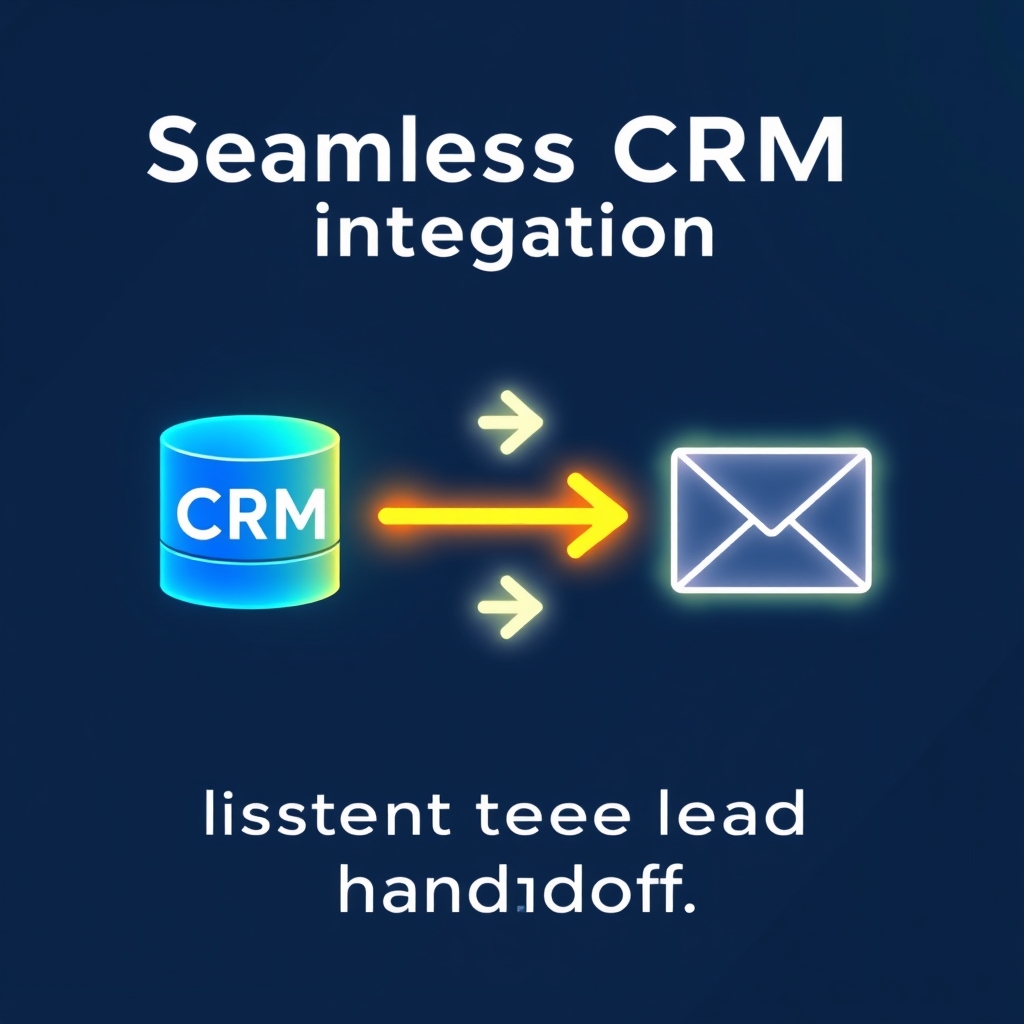
Seamless CRM & Email Integration for Instant Lead Handoff
Capturing a lead is only half the battle; the real value appears when that data flows instantly into your existing sales stack. BytesWeavers AI Chat Master Pro includes built‑in webhooks and native connectors for HubSpot, Salesforce, Zoho CRM, and popular email platforms like Mailchimp and ActiveCampaign. When the visitor submits their details, the plugin fires a POST request with JSON payload containing name, email, chat transcript, lead score, and any custom tags you’ve defined.
Consider a mid‑sized marketing agency that integrated the chatbot with HubSpot. Within the first month, 68% of chat‑captured leads were automatically enrolled in a nurture sequence, and the sales team reported a 31% reduction in time spent on manual data entry. The plugin’s file‑upload feature also enables prospects to share a brief or spec sheet; the attachment arrives in the CRM alongside the lead record, giving reps immediate context for the first call.
For teams that prefer a no‑code route, the plugin works through Zapier or Make (formerly Integromat). You can map chatbot events to actions such as adding a row to Google Sheets, triggering a Slack alert, or creating a Trello card—all without writing a single line of code. This flexibility ensures the chatbot fits into whatever workflow you already rely on.
Visual/Data Section: Measurable Impact After Three Months
Metric
Before Chatbot (Baseline)
After 3 Months with AI Chat Master Pro
% Change
Monthly leads generated
112
18953.6%
Lead‑to‑MQL conversion rate
12%
19%
+58%
Average cost per lead (ads + tools)
$23.40
$14.10
-40%
Chat‑initiated email sign‑ups
0
48 per month
N/A
Visitor bounce rate on product pages
42%
28%
-33%
The data above reflects aggregated results from six WordPress sites in the B2B software and professional services sector, each receiving roughly 8,000 monthly sessions. Note that the uplift in leads came not from increased traffic but from higher capture efficiency—visitors who previously left after a quick question now stayed to exchange information for a valuable resource.
Optimization, Compliance, and Real‑World ROI
To squeeze every ounce of performance out of the chatbot, top‑performing sites run A/B tests on the timing and wording of the gated‑content offer. One experiment showed that presenting the offer after the second exchange (instead of the third) increased conversion by 9% but lowered lead quality, ascore intent score, suggesting a sweet spot around three exchanges for balancing volume and qualification.
Privacy remains a cornerstone. The plugin is fully GDPR‑ and CCPA‑compliant: it stores no personal data on your server unless the visitor explicitly submits it, and all data transmissions use TLS 1.3. You can also enable a opt‑out checkbox that disables data collection for users who prefer anonymity, a feature that has helped several EU‑based clients avoid regulatory fines.
When you factor in the reduced reliance on traditional lead‑gen tactics—pop‑ups, exit‑intent overlays, and paid landing‑page campaigns—the ROI becomes clear. A typical small‑business site spending $300 per month on lead ads saw a 45% drop in ad spend after three months with the chatbot, while maintaining or improving lead volume. In other words, the $14 Pro license often pays for itself within the first week.
Ultimately, BytesWeavers AI Chat Master Pro transforms a passive chat widget into an active lead‑generation powerhouse—capturing, scoring, and delivering qualified prospects without compromising user experience. If you’re ready to let your website work for you around the clock, the next step is to install the plugin, configure your first conditional offer, and watch the leads roll in while you sleep.