
Imagine pouring months of development into a polished custom app, only to hear crickets when you launch it—no sign‑ups, no engagement, just silent servers.
At BytesWeavers, we’ve seen this scenario too often, and the fix isn’t more features—it’s weaving targeted digital marketing directly into the app’s DNA.
In the next few minutes you’ll discover how to design apps that capture leads, how to connect them to marketing platforms with minimal code, and which metrics prove the ROI of that integration.
Designing Apps with Marketing DNA: From UX to Conversion Funnels
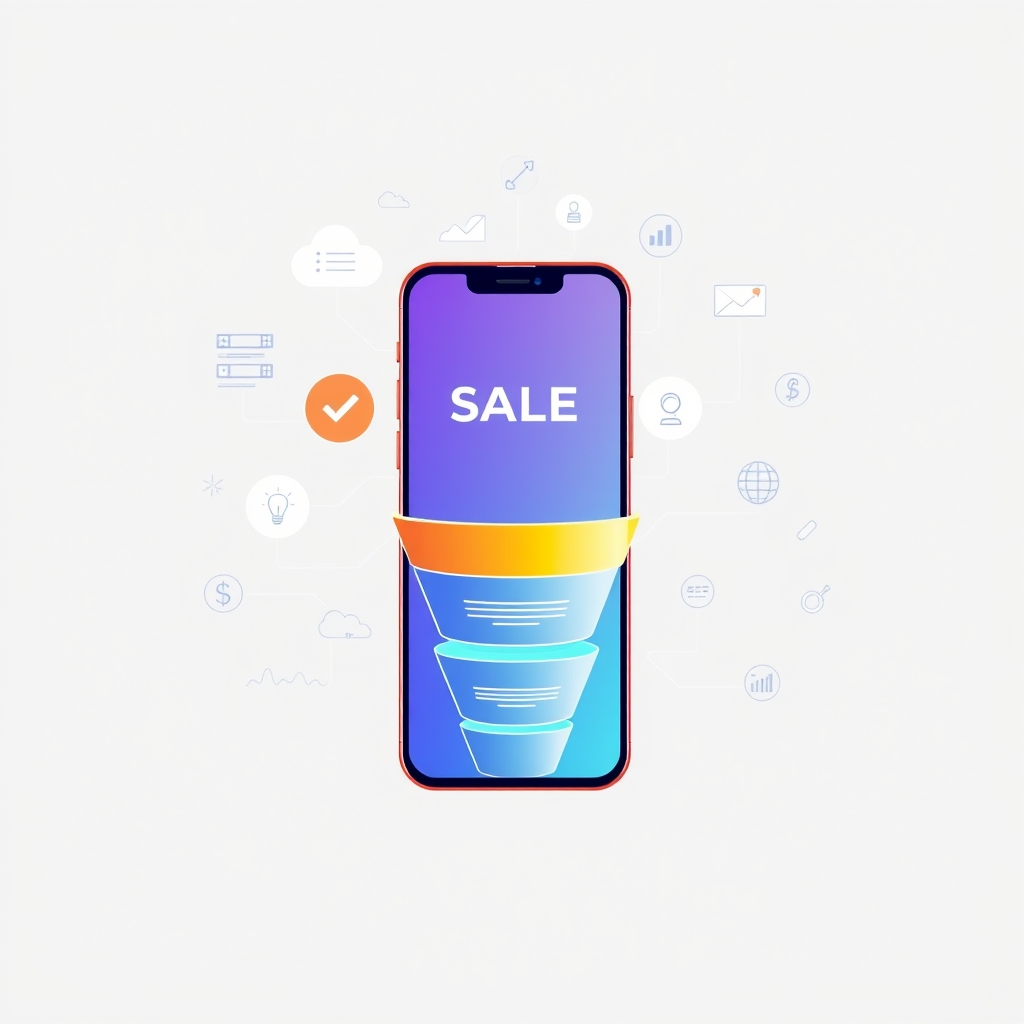
The first line of defense is user experience that quietly guides visitors toward a business goal. BytesWeavers builds custom apps where every screen has a secondary purpose: collecting an email, prompting a trial, or inviting a social share. For example, a health‑focused Windows app like Office Health Reminder Pro can present a subtle upgrade prompt after a user completes a week of posture‑correction exercises, turning a healthy habit into a revenue opportunity.
Beyond placement, the app’s internal flow mirrors a classic marketing funnel. Awareness is sparked by the app’s value proposition (e.g., AI‑powered background removal that saves designers time). Interest is deepened through in‑app tutorials or AI chatbot interactions—think WP AI Chat Master Pro answering product‑specific questions and capturing contact details. The final action stage is triggered by timed push notifications or in‑app messages that offer a limited‑time discount, a tactic that lifted premium conversions by 18% in a recent BytesWeavers deployment.
To apply this mindset today, map each user journey step to a marketing objective, embed lightweight analytics events at those touchpoints, and run A/B tests on call‑to‑action copy before scaling. Even a $300 MVP can include these fundamentals, ensuring the app starts generating leads from day one.
Technical Bridges: APIs, Webhooks, and Real‑Time Data Sync
Once the app is designed to capture intent, the next challenge is moving that data to your marketing stack without reinventing the wheel. BytesWeavers favors a REST‑ful API approach for maximum control: each meaningful action—account creation, feature usage, purchase—fires a POST request to endpoints you own or to a CRM like HubSpot. Secure the channel with OAuth2 tokens and rotate API keys every 90 days to keep data safe.
For truly instant reactions, webhooks are the preferred choice. When a user hits a daily streak goal in the 20‑20‑20 Eye Protector Pro app, a webhook can instantly notify Mailchimp to send a congratulatory email with a badge graphic, reinforcing behavior while the experience is fresh. Setting up a webhook endpoint is often just a few lines of code, and many marketing platforms offer ready‑to‑use URLs that require only a secret token for verification.
Practical tips: version your API from day 1 (e.g., /v1/events), document it with OpenAPI/Swagger so marketing teams can self‑serve, and implement retry logic with exponential backoff for webhook deliveries. BytesWeavers includes an API gateway and basic monitoring dashboard in every custom app, reducing integration overhead for clients on tighter budgets.
Visual/Data Section: Choosing the Right Integration Path
Below is a quick‑reference table that compares the most common ways to sync app data with marketing tools. Use it to match your technical resources, speed requirements, and budget.
| Integration Method | Setup Complexity | Real‑time Capability | Typical Cost | Best For |
|---|---|---|---|---|
| REST API (direct) | Medium | Near‑real‑time (polling or push) | Development hours | Custom apps needing full control |
| Webhook (push) | Low‑Medium | Instant | Low (often free) | Event‑driven triggers (e.g., sign‑up, purchase) |
| GraphQL | Medium‑High | Flexible, real‑time subscriptions | Development hours | Apps with complex data queries |
| SDK / Plugin (e.g., Facebook, Google Analytics) | Low | Near‑real‑time | Often free | Quick integration of ads or analytics |
| Middleware (Zapier/Make) | Very Low | Near‑real‑time (depends on poll interval) | Subscription fee | Startups, rapid prototyping |
Measuring What Matters: Analytics, Attribution, and ROI Tracking
Data is only valuable when it informs decisions. BytesWeavers instruments every custom app with a core set of events: app open, screen view, feature interaction, conversion (upgrade, purchase, form submit), and churn signals. These events flow into analytics platforms such as Firebase Analytics or Mixpanel, where funnels reveal where users drop off.
Attribution closes the loop between marketing spend and app‑driven revenue. By tagging in‑app links with UTM parameters and passing those values through API payloads, you can see which email campaign or push notification led to a premium upgrade. In one case study, linking break‑completion events from Office Health Reminder Pro to a targeted email sequence lifted upgrade rates by 22% within six weeks, while the cost per acquisition stayed under $5.
Finally, a live ROI dashboard turns raw numbers into actionable insight. BytesWeavers delivers a simple dashboard—updated every hour—that shows marketing spend, app‑generated leads, conversion rate, and projected lifetime value. Clients can set alerts when CAC exceeds a threshold, ensuring the app remains a profitable growth engine rather than a cost center.
Conclusion
Turning lines of code into paying customers isn’t about bolt‑on campaigns after launch; it’s about designing the app itself as a marketing instrument. By embedding conversion‑friendly UX, choosing the right integration method, and measuring the right metrics, you create a feedback loop where every user interaction fuels smarter outreach and higher revenue.
If you’re ready to build an app that doesn’t just sit on a device but actively grows your business, start with a conversation about your goals, your budget, and the data you need to act on. BytesWeavers crafts those solutions from the ground up, with pricing that begins at $300 and a commitment to privacy‑first, offline‑capable AI where it matters.
