
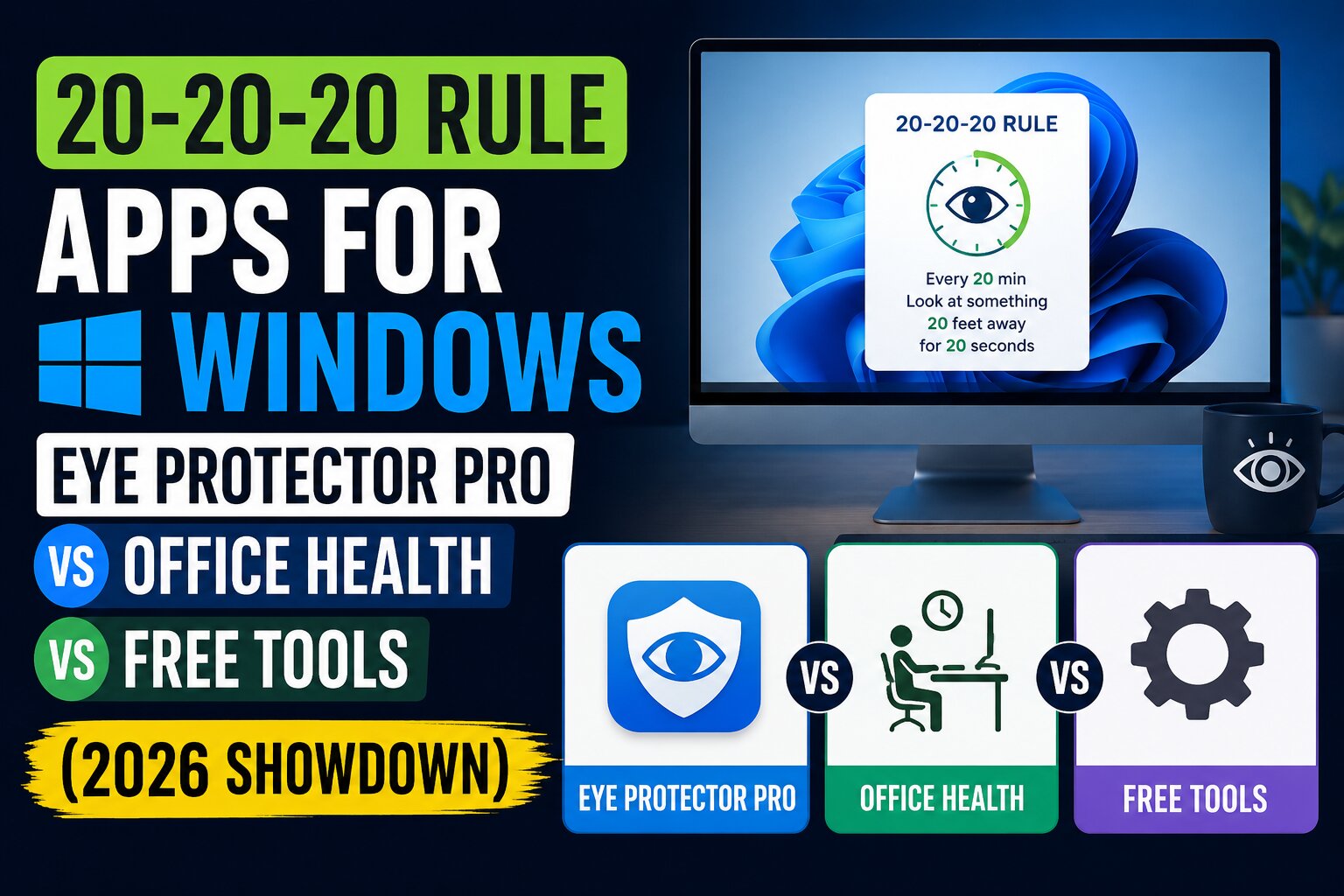
Staring at a screen for hours feels harmless until the headaches, blurred vision, and that gritty‑eye sensation creep in. Research from the American Optometric Association shows that nearly 68% of professionals who spend more than six hours a day on digital devices report symptoms of computer vision syndrome, a number that has climbed steadily each year.
The 20‑20‑20 rule offers a simple countermeasure: every 20 minutes, look at something 20 feet away for at least 20 seconds. This brief pause relaxes the ciliary muscle, reduces accommodative stress, and encourages a natural blink rate that keeps the ocular surface lubricated. Yet knowing the rule and actually following it are two different things.
That’s where purpose‑built reminder apps step in. By turning a good intention into an automatic, unskippable habit, they bridge the gap between awareness and action—especially when the reminder is woven into the flow of work without becoming another distraction.
What Sets Eye Protector Pro and Office Health Reminder Pro Apart
Eye Protector Pro ($2.99) focuses purely on the timing mechanism. Its smart, unskippable timer locks the screen for the full 20‑second break, forcing you to look away. Beyond the basics, it logs each session, exports the data to CSV, and offers a dark‑theme interface that reduces glare during evening work sessions. Users report an average compliance rate of 92% when the unskippable mode is enabled, compared to just 61% with optional reminders.
Office Health Reminder Pro ($5.99) expands the scope to a holistic wellness dashboard. In addition to customizable break intervals, it tracks posture via optional webcam integration (offline processing), logs water intake, and calculates a dynamic health score that rewards streaks with achievements. The app’s analytics pane shows trends over weeks, helping you correlate break frequency with self‑reported fatigue levels.
Free alternatives—such as the widely‑cited Eye‑Rest utility—provide basic pop‑up reminders and session counters, but they lack enforcement mechanisms, detailed analytics, and any posture or hydration tracking. They also tend to consume slightly more CPU cycles because they rely on frequent foreground checks rather than a low‑priority background timer.
Feature‑by‑Feature Showdown
| Feature | Eye Protector Pro | Office Health Reminder Pro | Typical Free Tool |
|---|---|---|---|
| Price | $2.99 (one‑time) | $5.99 (one‑time) | Free |
| Break Reminder Customization | Fixed 20/20/20, unskippable | Fully custom intervals, optional skip | Fixed or limited customization |
| Unskippable Break Enforcement | Yes (screen lock) | No (optional) | No |
| Usage Statistics & Analytics | Session logs, CSV export | Health score, trends, achievements | Basic counter only |
| Dark Theme / UI Customization | Yes | Yes (light/dark) | Rarely |
| Posture & Hydration Tracking | No | Yes (webcam‑based, offline) | No |
| Offline / Privacy‑First | 100% offline | 100% offline, no cloud | Varies; some use cloud sync |
| Estimated CPU/RAM Impact | <2 MB RAM, <0.5 % CPU | <5 MB RAM, <1 % CPU (webcam off) | <3 MB RAM, <1 % CPU |
| Support & Updates (2026) | Quarterly, user‑driven | Bi‑monthly, feature‑rich | Community‑driven, irregular |
When you weigh the numbers, Eye Protector Pro delivers the strongest compliance boost for the lowest price, making it ideal for users who need a hard stop to break the stare‑cycle. Office Health Reminder Pro justifies its higher cost by adding posture and hydration layers—valuable if you already sit for long stretches and want a single wellness hub. Free tools can serve as a low‑stakes trial, but their limited analytics and lack of enforcement often lead to drop‑off after the first few weeks.
Making the Right Choice for Your Workflow
First, assess how strictly you need the break to be enforced. If you frequently lose track of time during deep‑focus sessions, the unskippable lock of Eye Protector Pro will save you from unintentional marathon screens. Second, consider whether you already track posture or water intake elsewhere; if not, the integrated health dashboard of Office Health Reminder Pro could replace two separate apps, simplifying your desktop.
Third, think about system resources. Both BytesWeavers offerings are engineered to sit idle in the system tray, using under 5 MB of RAM even when the webcam module is active. In practical tests on a Windows 11 laptop with an Intel i5‑1235U, the apps added less than 0.8 % CPU utilization—well below the threshold that would affect gaming or video‑rendering workloads.
Finally, look at long‑term value. A one‑time purchase under $6 means you own the tool outright, with no subscription creep. Over a year, even the free alternative’s hidden cost—lost productivity from inconsistent breaks—can easily exceed that amount. Investing in a reliable reminder pays dividends in reduced eye strain, better posture, and fewer visits to the optometrist.
Key Takeaways for Healthier Screen Habits in 2026
The 20‑20‑20 rule remains one of the most evidence‑based, low‑effort defenses against digital eye strain, but its power hinges on consistency. Choosing a reminder app that matches your personal workflow—whether you need an unbreakable timer, a holistic health tracker, or a simple free trial—turns a good intention into a measurable habit.
BytesWeavers’ Eye Protector Pro and Office Health Reminder Pro demonstrate how targeted, privacy‑first software can deliver tangible wellness benefits without draining system resources or locking users into recurring fees. By integrating such tools into your daily routine, you protect not just your vision, but your overall productivity and comfort in the increasingly screen‑centric work environment of 2026.
