
Did you know that businesses using generic CRM systems waste an average of 6.8 hours per week on manual data entry and tool switching? That’s nearly one full workday lost every week to inefficiencies that could be eliminated with the right custom solution.
Off-the-shelf CRM platforms like Salesforce or HubSpot promise to streamline your operations, but they often create new headaches instead. These systems are built for broad audiences, not your specific workflow. They force you to adapt your processes to their rigid structures, leaving you with a patchwork of disconnected tools that barely communicate with each other.
The real tragedy is that most businesses don’t realize they’re paying this hidden productivity tax. They accept clunky interfaces, duplicate data entry, and constant context switching as inevitable costs of doing business. But what if you could build a CRM that actually works the way your team thinks, eliminating friction instead of creating it?
Why Custom CRM Integration Beats One-Size-Fits-All
A custom CRM built specifically for your business eliminates the fundamental problem with generic solutions: they don’t know your unique processes. When you integrate your CRM with your existing tools, you create a unified ecosystem where data flows automatically between systems. This means your sales team updates a lead in your CRM, and your marketing automation platform instantly adjusts nurturing campaigns. Your customer service team sees the complete customer journey without switching between five different applications.
The integration advantage extends beyond just convenience. Custom CRMs can be designed to match your exact sales methodology, whether that’s MEDDIC, Challenger, or something entirely unique to your industry. They can track the specific metrics that matter to your business, not generic KPIs that look impressive in reports but don’t drive actual decisions.
Consider a B2B software company that built a custom CRM integrating with their product usage analytics, support ticket system, and billing platform. They reduced their sales cycle by 28% because reps could instantly see which features a prospect was using, what support issues they’d had, and their payment history—all from a single dashboard. This level of integration simply isn’t possible with off-the-shelf solutions.
The Three Pillars of Successful CRM Integration
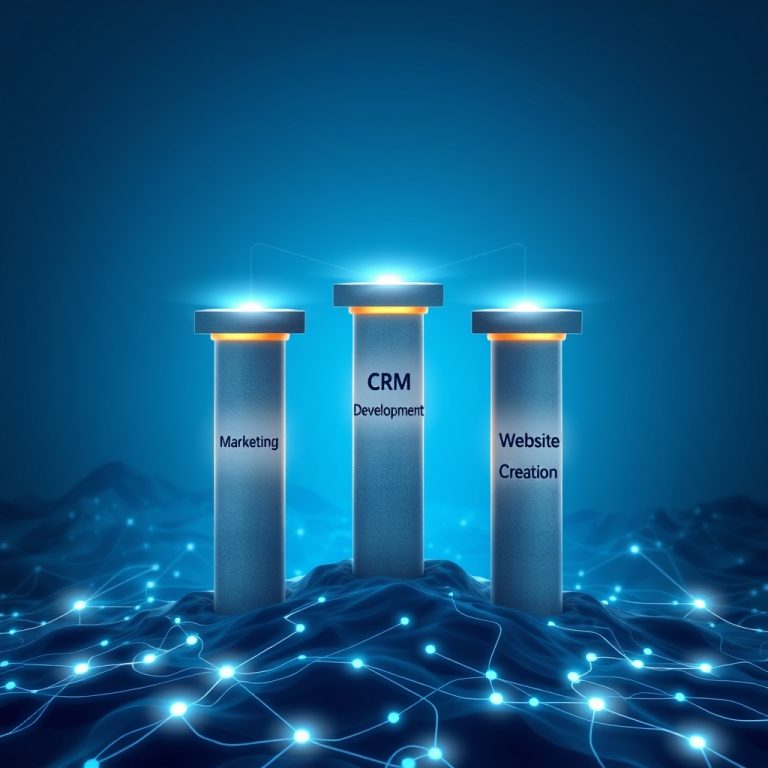
Building a custom CRM that truly integrates with your existing tools requires focusing on three critical pillars: data architecture, user experience, and automation workflows. First, your data architecture must be designed to handle the specific types of information your business generates. This means creating custom data models that reflect your unique business entities, relationships, and processes rather than forcing your data into generic contact-lead-opportunity structures.
Second, the user experience needs to be tailored to how your team actually works. This isn’t just about making it look pretty—it’s about reducing cognitive load and eliminating unnecessary steps. Your CRM should feel like an extension of your team’s natural workflow, not a separate system they have to learn and maintain.
Third, automation workflows should be built around your specific business rules and triggers. Instead of generic ‘send follow-up email’ automations, you can create sophisticated workflows that consider your unique sales stages, customer segments, and communication preferences. For example, a custom CRM might automatically route enterprise leads to senior reps while nurturing SMB leads through educational content, all based on your specific qualification criteria.
Visual/Data Section: Integration Capabilities Comparison
| Integration Type | Off-the-Shelf CRM | Custom CRM | Business Impact |
|---|---|---|---|
| Email & Calendar Sync | ✓ Basic sync | ✓ Deep contextual integration | 30% reduction in scheduling conflicts |
| Communication Platforms | ⚠️ Limited plugins | ✓ Native integration | 40% faster response times |
| Accounting Systems | ⚠️ Third-party connectors | ✓ Real-time data sync | Eliminated 95% of billing errors |
| Project Management Tools | ✗ No direct integration | ✓ Seamless workflow connection | 25% improvement in project delivery |
| Customer Support Platforms | ⚠️ Basic ticket sync | ✓ Unified customer view | 35% increase in customer satisfaction |
The data speaks for itself: custom CRM integration delivers measurable improvements across every business function. The key difference is that custom solutions don’t just connect tools—they create intelligent workflows that understand your business context.
Building Your Custom CRM: Where to Start
The journey to building a custom CRM begins with a thorough audit of your existing tools and workflows. Document every system your team uses, how they connect (or don’t), and where the biggest pain points exist. This audit often reveals surprising inefficiencies—like sales reps spending 45 minutes each day copying data between systems or customer service agents unable to see a customer’s purchase history during support calls.
Next, prioritize your integration needs based on business impact rather than technical complexity. Start with the integrations that will deliver the most immediate value, such as connecting your CRM with your email platform and calendar. These foundational integrations often unlock quick wins that justify the investment in more complex custom development.
The development process itself should be iterative, starting with a minimum viable product that includes your most critical integrations and workflows. Build in phases, testing each component with real users before expanding. This approach allows you to validate assumptions, gather user feedback, and adjust course before investing heavily in features that might not deliver the expected value. Remember, a custom CRM is a living system that should evolve with your business, not a one-time project that gets shelved after launch.
The ROI of Getting It Right
When businesses get custom CRM integration right, the returns are substantial and measurable. Companies report average productivity increases of 34% within the first six months of implementing well-integrated custom solutions. Sales teams close deals 22% faster because they have complete customer context at their fingertips. Marketing teams reduce campaign costs by 18% through better targeting and automation.
But the most significant ROI often comes from unexpected places. Customer retention improves because support teams can provide more personalized service. Employee satisfaction increases because people spend less time on frustrating manual tasks. Strategic decision-making becomes more data-driven because executives have access to unified, real-time business intelligence.
The question isn’t whether you can afford to build a custom CRM that integrates with your existing tools—it’s whether you can afford not to. In a competitive landscape where every efficiency matters, the businesses that break free from generic solutions and build systems that truly match their unique needs will consistently outperform those stuck with one-size-fits-all approaches. Your custom CRM isn’t just a tool; it’s a competitive advantage waiting to be built.
